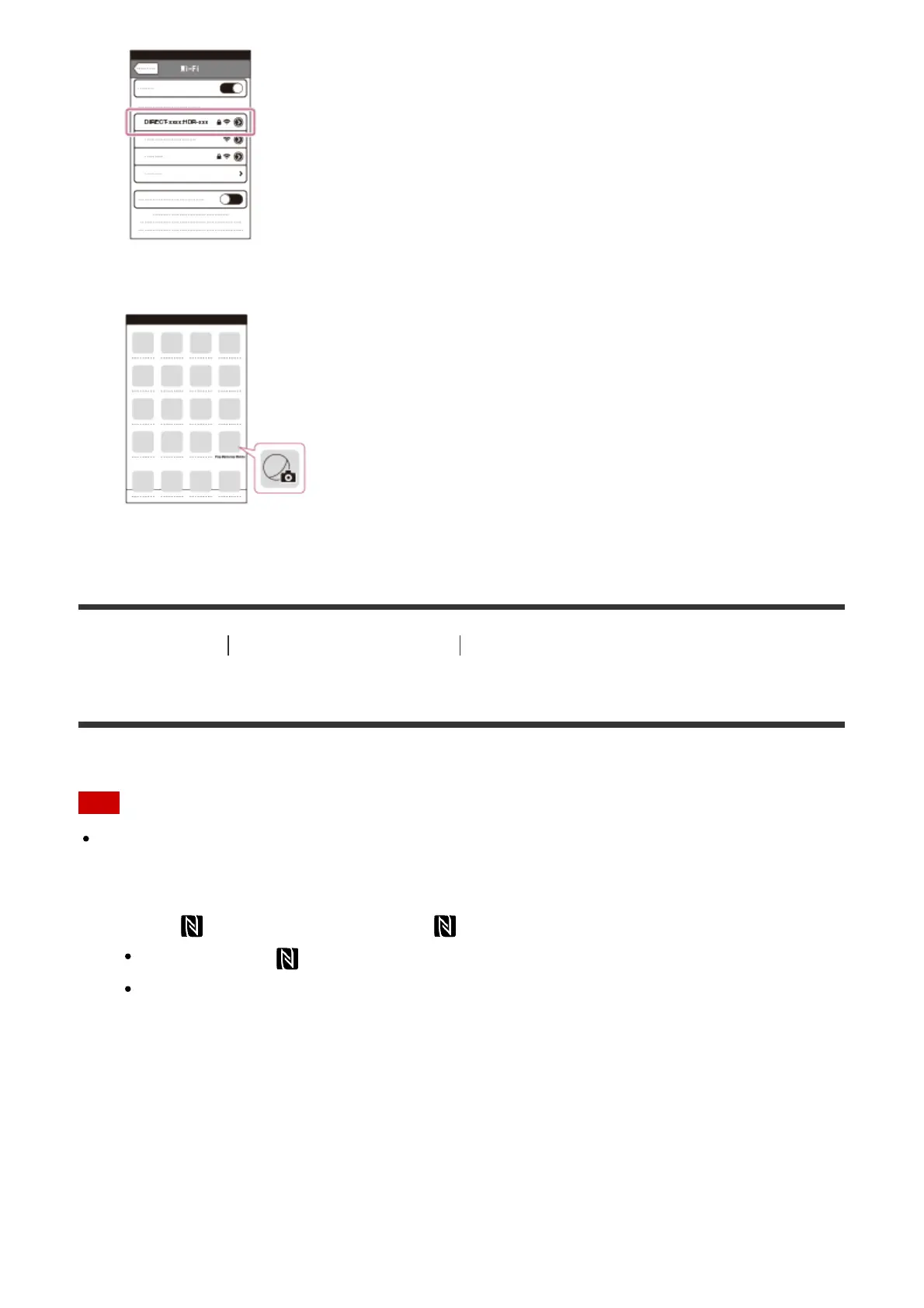
6. Go back to Home and start up PlayMemories Mobile.
[77] How to Use Using the Wi-Fi function Connecting a smartphone
Connecting to an NFC-enabled smartphone or tablet
You can easily connect this product to your NFC-enabled Android smartphone or tablet.
Note
Make sure that your smartphone is not in sleep mode and the screen is unlocked in
advance.
1. Touch
(N mark) of this product to (N mark) of your smartphone.
Make sure that (N mark) is displayed on the LCD monitor of this product.
Hold this product and your smartphone together and keep them still for about 1-2
seconds until PlayMemories Mobile starts up on your smartphone.



 To Next Page