41
Enjoying Photos
To stop playback
Press RETURN.
Note
Even when you add/erase photos to/from the album after creation, the “x-Pict Story HD” file
remains unchanged. In this case, you can create a new “x-Pict Story HD” file manually (page 43).
Available OPTIONS for the thumbnail screen
Available options differ depending on the situation.
Editing the “x-Pict Story HD” file
1 Press HOME.
2 Select [x-Pict Story HD] and press .
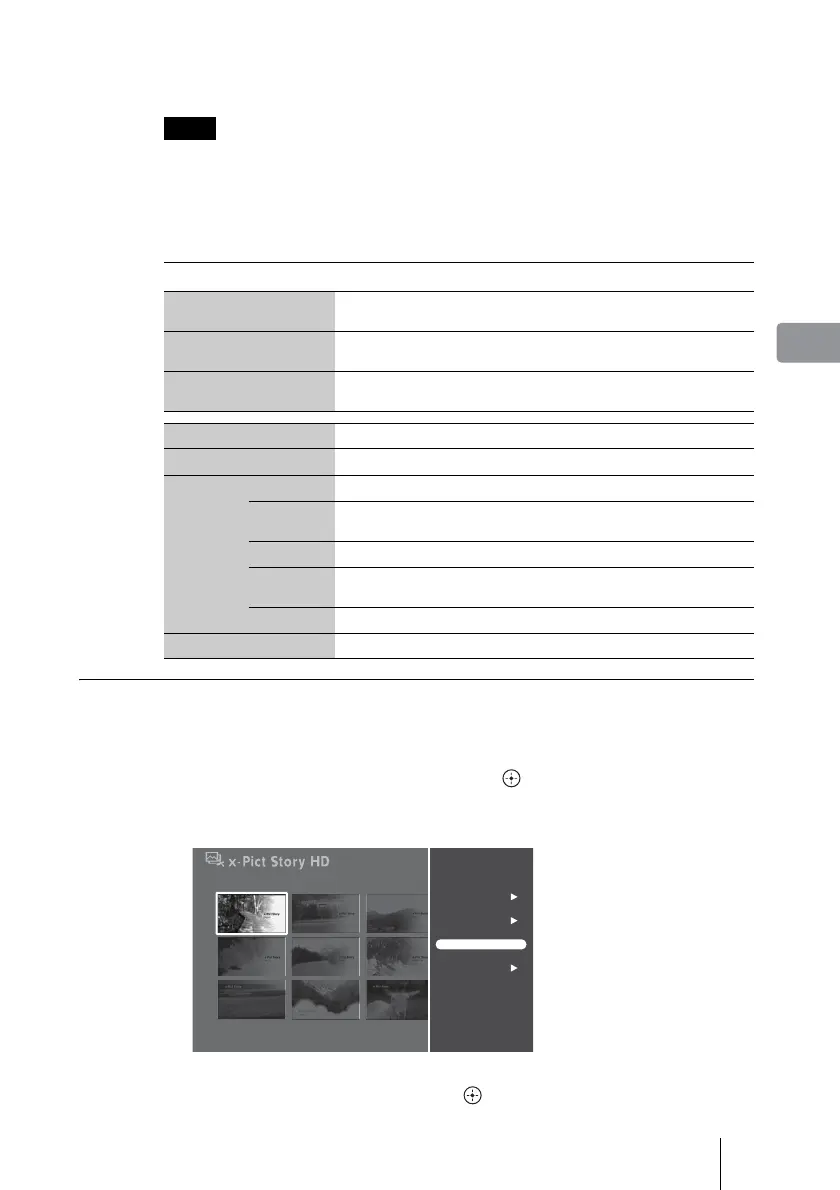
3 Select a “x-Pict Story HD” file and press OPTIONS.
4 Select [Operations] and press .
Items Details
Sort
Sorts “x-Pict Story HD” files [By Date (recent first)], [By Date (oldest first)],
[By Title (A to Z)], [By Title (Z to A)], [By Icon], or [By Creation Date].
Jump
Jumps to the desired “x-Pict Story HD” file according to the date, title, or
icon order.
Multi-File
Operations
Multi-Erase Erases multiple “x-Pict Story HD” files (page 44).
Play Plays the “x-Pict Story HD” file.
Repeat Play Plays the “x-Pict Story HD” file repeatedly.
Operations
Erase Erases the “x-Pict Story HD” file (page 44).
Rotate
Photo
Rotates the photo in the “x-Pict Story HD” file.
Rename Changes the “x-Pict Story HD” file title name (page 45).
Change
Theme
Changes the design theme or BGM (page 42).
Set Icon Sets an icon to the “x-Pict Story HD” file. 23 icons are available.
View Info Displays “x-Pict Story HD” information.
Album25
Sat 11/ 3/2007
Album25
Sat 11/ 3/2007
Sort
Jump
Multi-File Operations
Play
Repeat Play
Operations
View Info



 To Next Page