32
Enjoying Photo Albums
(“x-ScrapBook”)
Every time photos are imported, the unit automatically creates original photo
albums (scrapbooks) using all photos. The unit can store up to 3,000
scrapbooks.
Hint
You can also set not to create “x-ScrapBook” albums automatically (page 60).
Browsing the scrapbook
1 Press HOME.
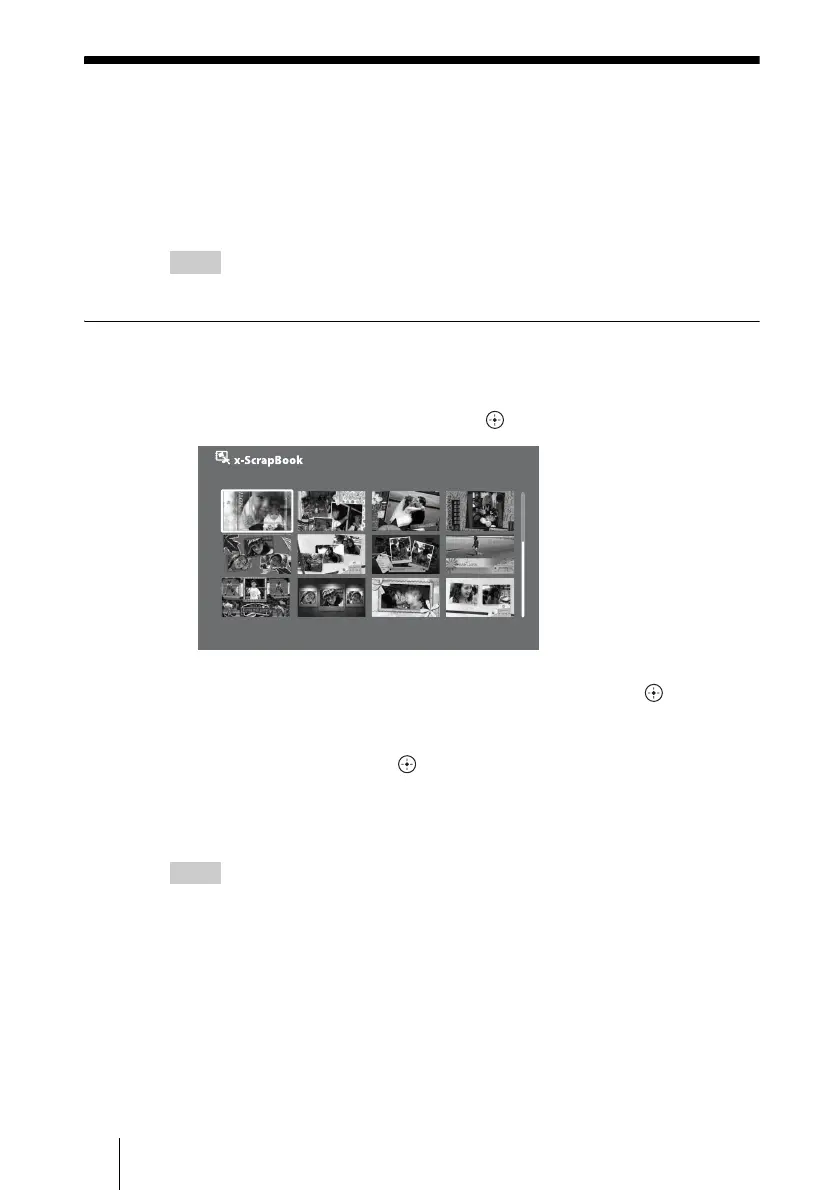
2 Select [x-ScrapBook] and press .
3 Select the scrapbook you want to view, and press .
The cover page or the last viewed page appears.
When you view from the cover page, press OPTIONS during playback and
select [Cover], then press .
To stop viewing the scrapbook
Press RETURN.
Hints
• To display the scrapbook title, press DISPLAY during playback.
• To display the scrapbook information for details, press INFO in the thumbnail screen.
Album0001
Sat 11/ 3/2007



 To Next Page