67
Additional Information
Wide Screen Mode
The unit can be set to correctly display on a 16:9 aspect ratio TV screen.
If a photo is not correctly displayed on a 4:3 TV screen, change the setting as
follows.
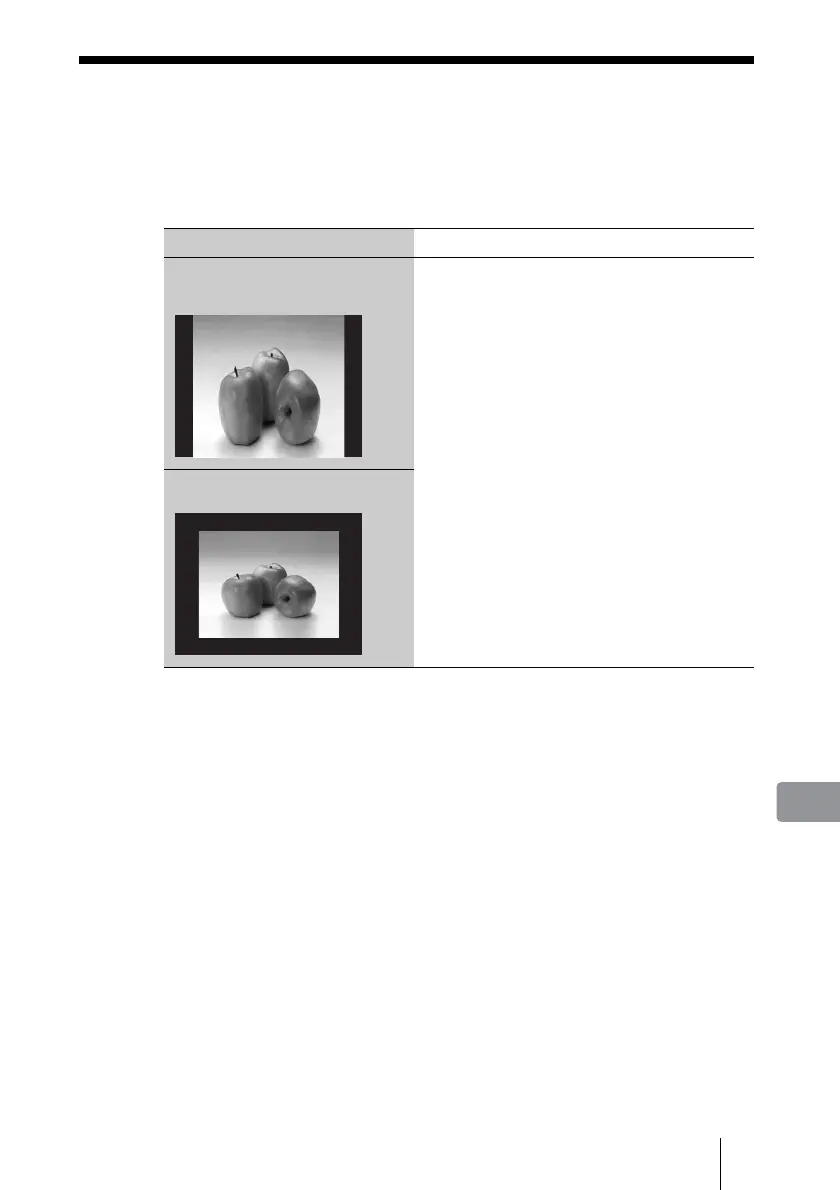
Above is an example when playing a photo shot in 4:3 horizon aspect in
normal 16:9 mode of this unit. By setting [TV Type] to [4:3], a 4:3 photo
displays in full screen on a 4:3 TV screen.
TV screen Settings
Black bands are seen in the right and
left of the screen and the image is
enlarged vertically.
Set [TV Type] to [4:3] on the unit (page 61).
Black bands are seen around the
image.



 To Next Page