46
Erasing Albums or
Photos
1 Press HOME.
2 Select [Photo Browser] and
press .
3 Select [HDD] and press .
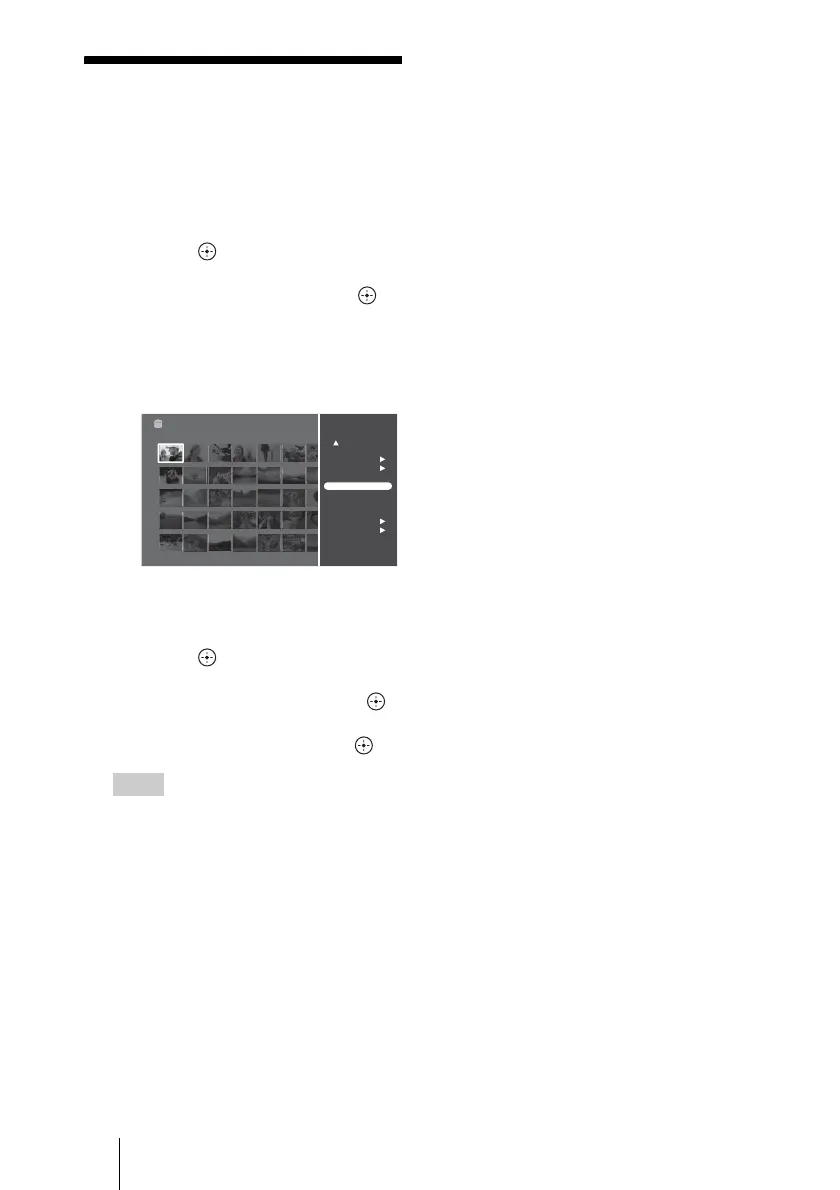
4 Select a photo in the album
you want to erase and press
OPTIONS.
5 Select [Photo Operations] or
[Album Operations], and
press .
6 Select [Erase] and press .
7 Select [YES] and press .
Hints
• When you select [Multi-Photo Operations]
in step 5, you can erase multiple photos.
• To erase scrapbooks or “x-Pict Story HD”
files, see page 39 and 44.
• You cannot erase the sample albums or
sample photos. To hide the samples, set
[Sample] in [Application Settings] to [Off]
(page 60).
Photo Browser
DSC00516
Sat 11/ 3/2007 9:33:06 PM
Photo Browser
Fri 11/ 2/2007 Album0001
Sat 11/ 3/2007 Album0002
By Date (recent first)
HDD
Search By Date
Multi-Album Operations
Multi-Photo Operations
View
Slideshow
Create x-ScrapBook
Create x-Pict Story HD
Album Operations
Photo Operations
View Photo Info



 To Next Page