If you turn the volume up too high, it may damage your hearing. Be careful not to turn the volume up too high.
Do not connect your headphones to the (headphones) NORMAL jack and (headphones) BALANCED L/R jack
simultaneously.
In the following cases, the relay in the internal circuit will make a sound.
When the unit is turned on
When the OUTPUT select switch is moved
When the INPUT select switch is moved to/from the position of the AUDIO IN/LINE OUT jack (right edge position)
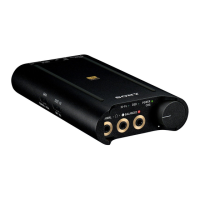
Connect balanced connection compatible headphones to the (headphones) BALANCED L/R jack of the
headphone amplifier properly. Otherwise sound quality will not be upgraded.
Related Topic
Installing “Hi-Res Audio Player” on a computer
About the balanced connection
Summary of settings and connections
4-547-524-11(4)
Copyright 2014 Sony Corporation









 To Next Page