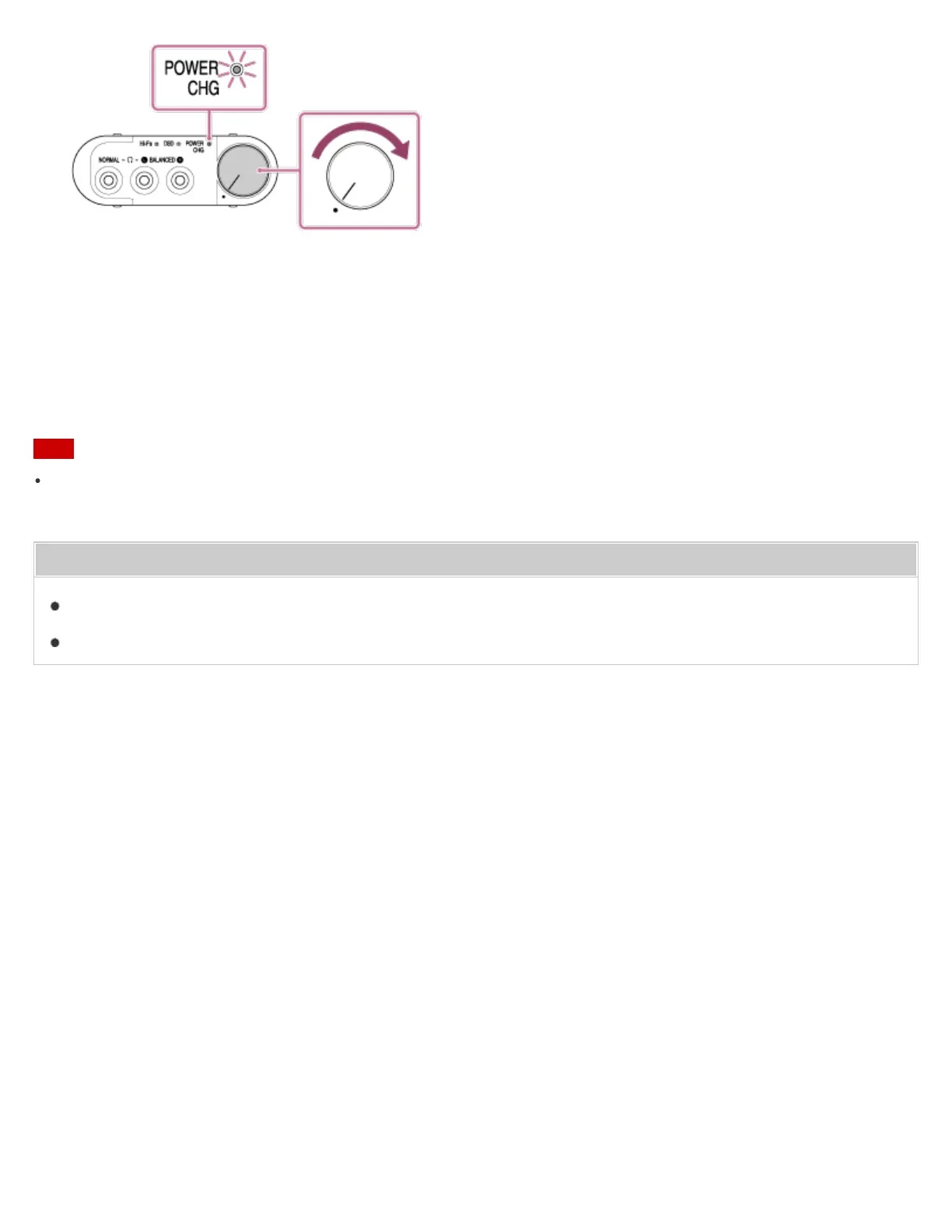
6. Start playback on the connected audio device.
When playing High-Resolution Audio format files on your computer with the headphone amplifier, download and
install “Hi-Res Audio Player.”
7. Adjust the volume on the amplifier or active speaker that is connected to the AUDIO IN/LINE OUT jack.
For details on adjusting the volume on the connected device, refer to its operation manual.
Note
The sound from the AUDIO IN/LINE OUT jack of the headphone amplifier cannot be adjusted by the power/volume
knob or the GAIN select switch of the headphone amplifier.
Related Topic
Installing “Hi-Res Audio Player” on a computer
Summary of settings and connections
4-547-524-11(4)
Copyright 2014 Sony Corporation








 To Next Page