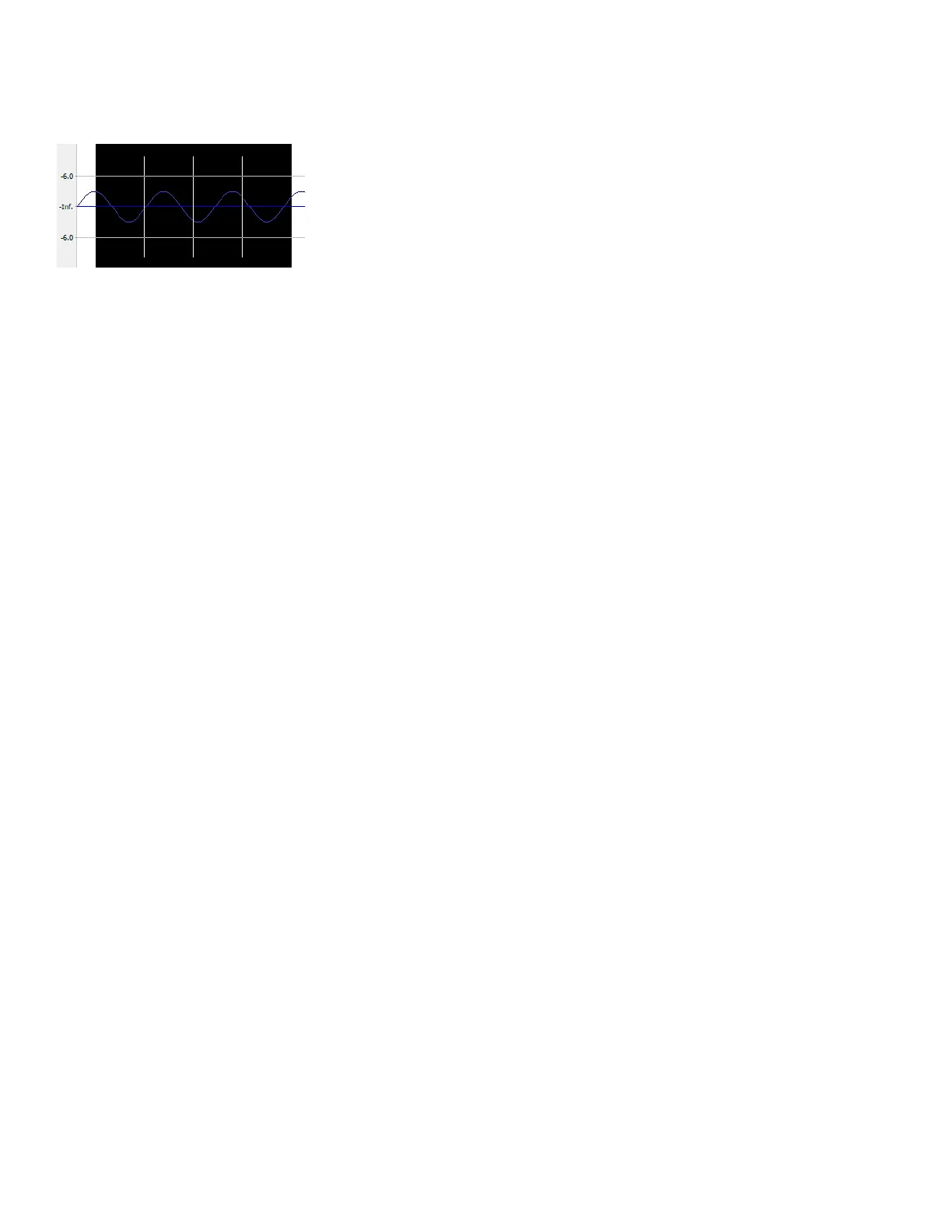
Using selection grid lines
From the Options menu, choose Selection Grid Lines to display grid lines that divide the selection into four equal parts. These lines
make creating loops from existing material easier.
To change the number of divisions that will be used, choose Options > Set Grid Divisions, and then choose a setting from the submenu.
For example, if you’re trying to create a loop in 3/4 time, changing the grid divisions to 3 allows you to divide a selection into three beats.
94
| CHAPTER 4














 To Next Page