Selecting data in multichannel files
When editing a multichannel file, you can use the mouse to select data by clicking and dragging in a data window. There are several
options for data selection in multichannel files.
1.
Open a multichannel file.
2.
From the Edit menu, choose To ol, and then choose Edit from the submenu to select the Edit tool.
Tip:
Press Ctrl+D or click the Edit Tool button ( ) on the Standard toolbar.
3.
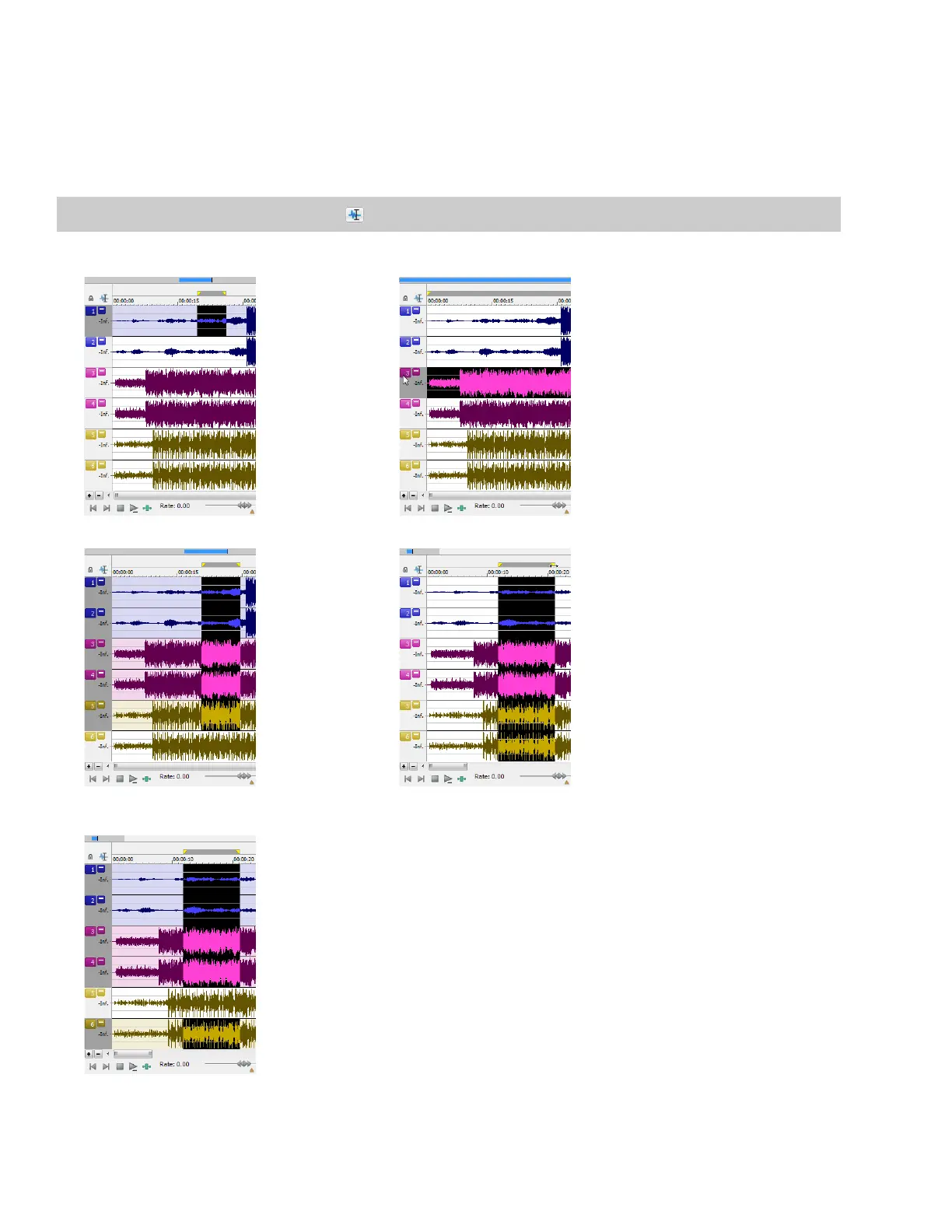
Select the data:
Drag within a channel to select that channel only. Double-click a channel number to select the entire channel.
Drag across channels to select multiple channels. Drag along the divider between channels (or the loop bar above
the ruler) to select all channels.
Hold Ctrl and click a channel to add or remove it from
the current selection.
52 | CHAPTER 2














 To Next Page