Using the Script Editor window
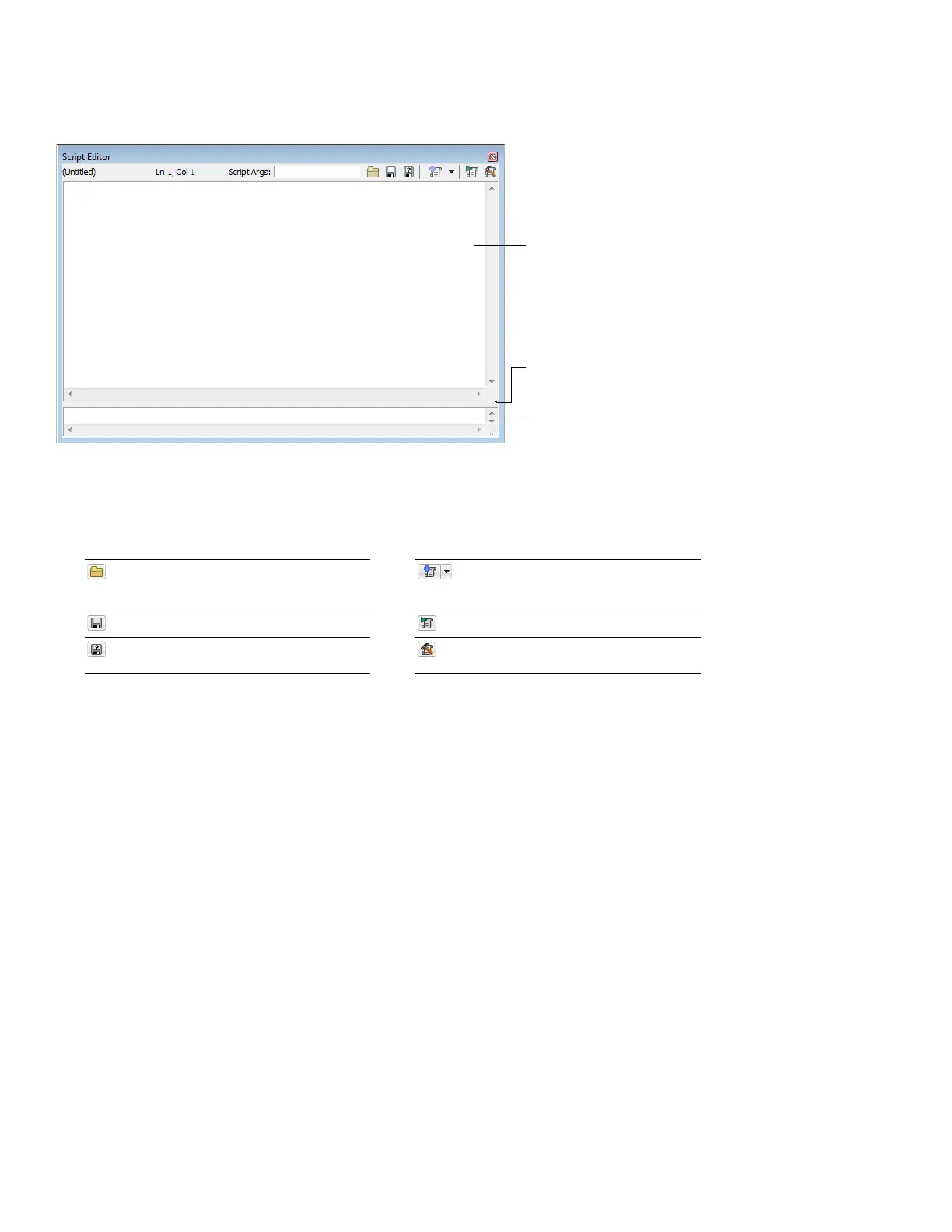
From the View menu, choose Script Editor to display the Script Editor window. You can use the Script Editor window to open, run,
create, or edit scripts.
Splitter panel
Script area
Output area
• Script area - Displays the current scripts written code.
• Output area - Displays text results for the current script.
• Splitter panel - Allows you to adjust the size of the output area window by dragging it up or down.
The Script Editor toolbar is displayed by default when you open the Script Editor window.
Open Opens the Open Script dialog. New Script Template Opens a basic C#,
JScript, or VBScript template needed to write
a script.
Save Saves the current script. Run Script Runs the current script.
Save As Saves the current files with a new Compile Script Compiles and tests your
name or format. script.
232 | CHAPTER 14














 To Next Page