Editing loops for ACID software
You can use a number of tools to prepare audio for use in ACID software.
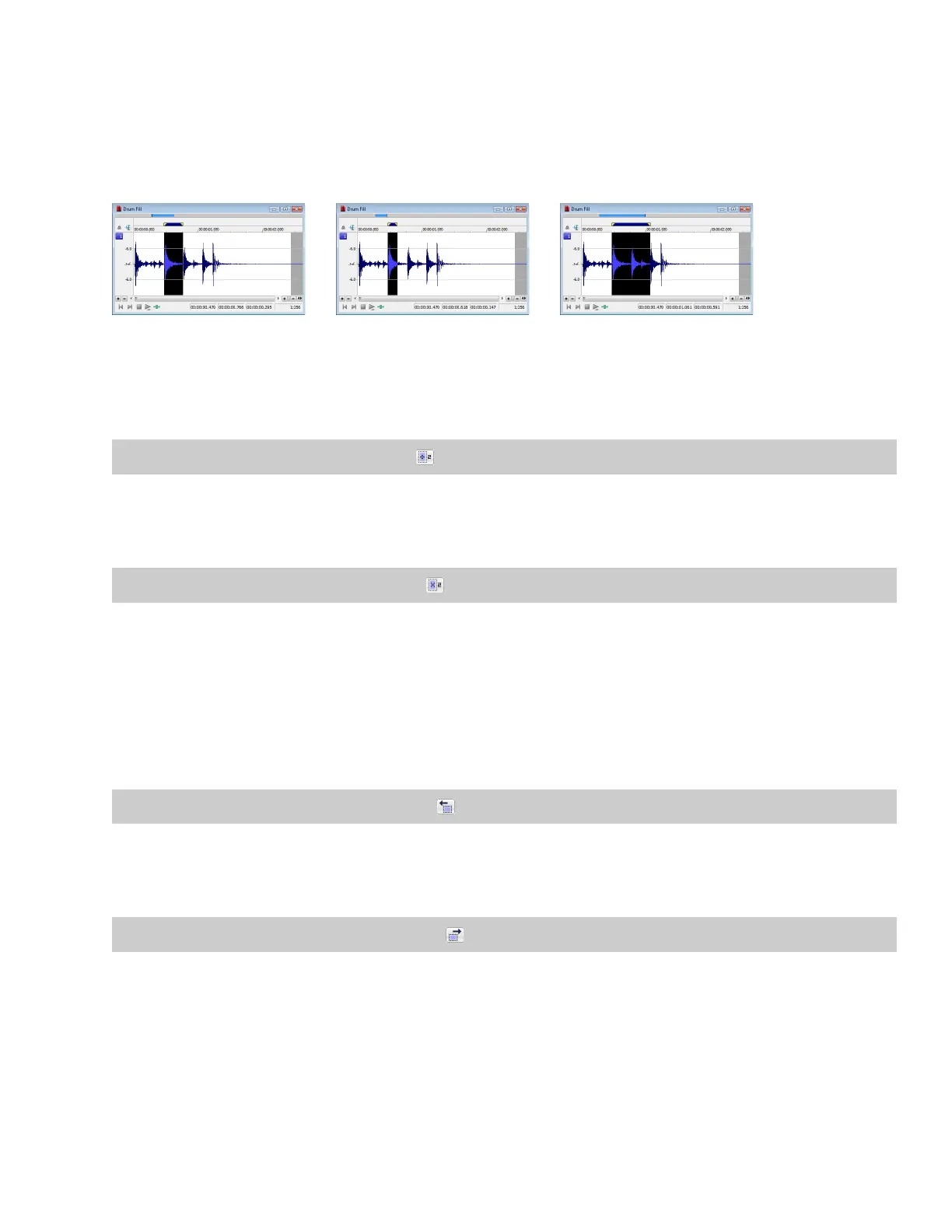
Halving or doubling a loop
These commands allow you to quickly change the size of a selection.
Loop Half loop Double loop
Halving a loop
From the Edit menu, choose Selection, and choose Halve from the submenu.
Tip:
You can also click the Halve Selection button ( ) on the Navigation toolbar or press the semicolon key (;).
Doubling a loop
From the Edit menu, choose Selection, and choose Double from the submenu.
Tip:
You can also click the Double Selection button ( ) on the Navigation toolbar or press the apostrophe key (‘).
Shifting a selection left or right
The shift selection commands allow you to quickly create a new selection adjacent to the current selection while maintaining the size of
the original.
Creating a new selection to the left of the current selection
From the Edit menu, choose Selection, and choose Shift Left from the submenu.
Tip:
You can also click the Shift Selection Left button ( ) on the Navigation toolbar or press <.
Creating a new selection to the right of the current selection
From the Edit menu, choose Selection, and choose Shift Right from the submenu.
Tip:
You can also click the Shift Selection Right button ( ) on the Navigation toolbar or press >.
LOOPING | 269














 To Next Page