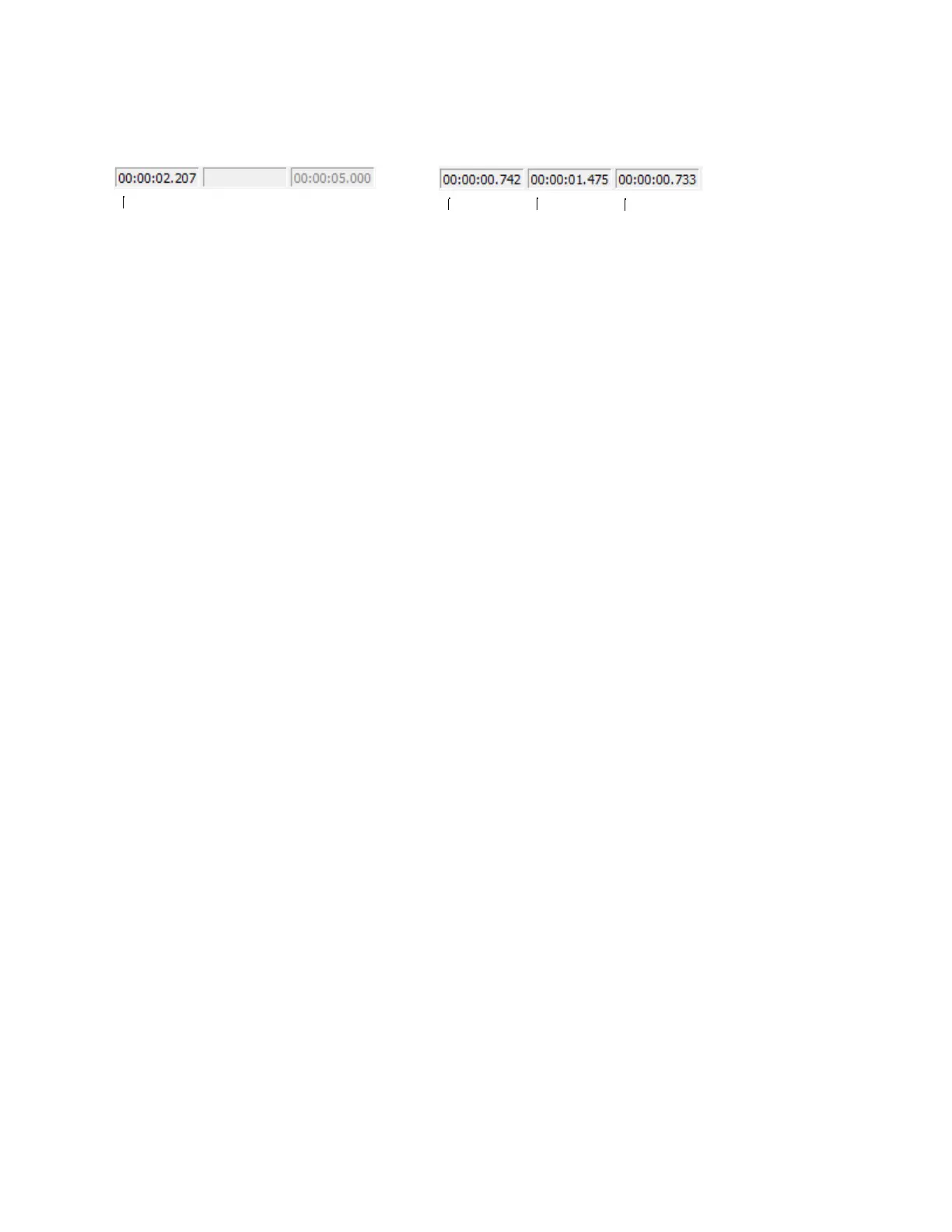
Viewing selection status
When a selection exists, the boxes in the selection status bar in the bottom-right corner of the data window contain values. These values
indicate the start, end, and length of the selection. Double-click a box to edit the value.
No selection
Selection
Cursor position Selection start Selection end Selection length
Selecting the status format
You can display status values in any supported format. You can change the format by right-clicking and choosing a new format from the
shortcut menu. For more information, see Selecting status formats on page 80.
GETTING STARTED | 63














 To Next Page