Event tool keyboard shortcuts
Command Keyboard Shortcut
Select the previous/next editing tool (Edit tool, Magnify tool, Pencil tool, Event tool) D or Shift+D
Split events at cursor S
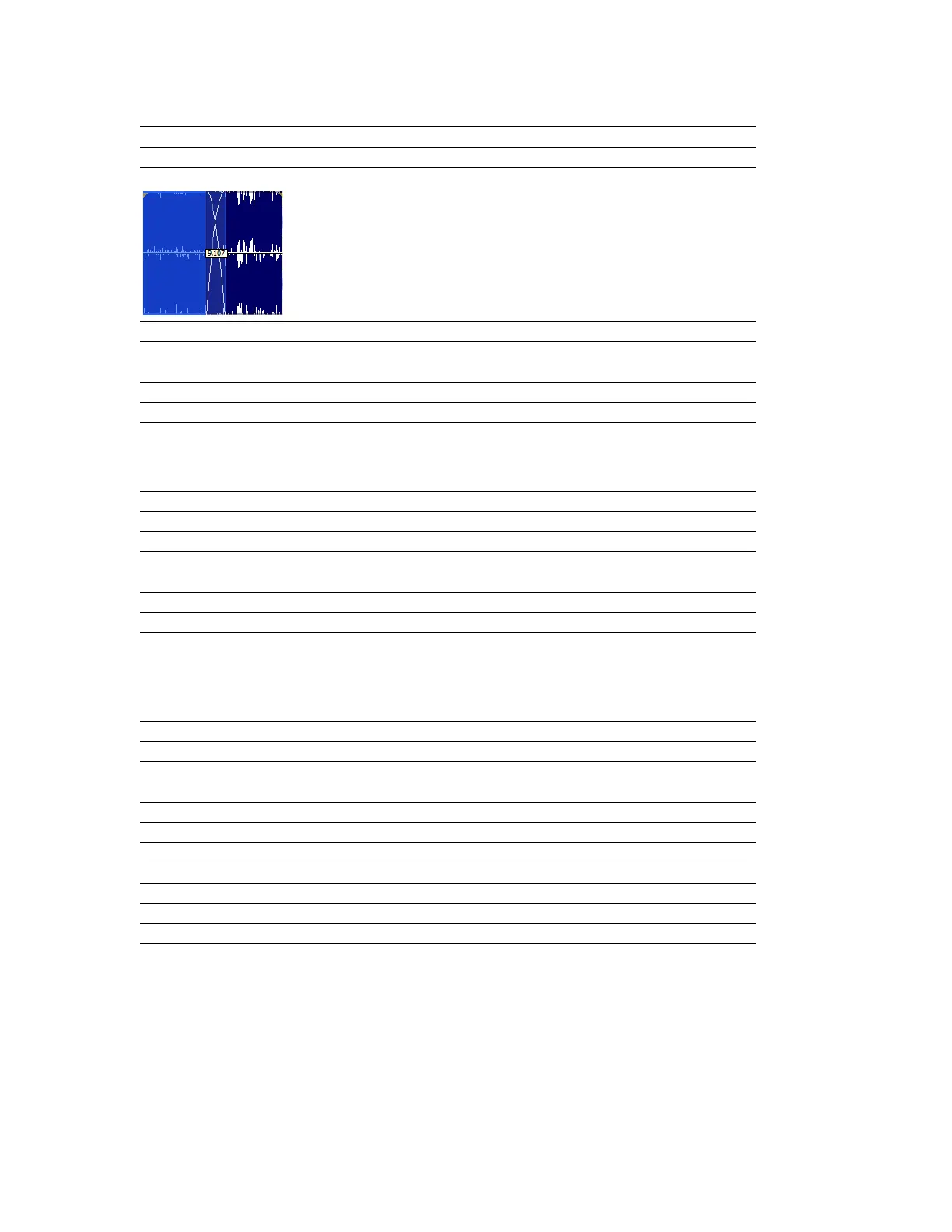
Show/hide fade lengths between events: Ctrl+Shift+T
Toggle automatic crossfades on/off Ctrl+Shift+X
Select the next event Shift+Right Arrow
Select the previous event Shift+Left Arrow
Extend the selection to the next event Shift+Ctrl+Right Arrow
Extend the selection to the previous event Shift+Ctrl+Left Arrow
Record dialog shortcuts
Command Keyboard Shortcut
Open Record dialog Ctrl+R
Start/stop recording Alt+R
Play Alt+P
Reset clip indicators Alt+T
Stop recording or playback Esc
Go to the start Alt+Z
Insert marker M
Plug-In Chainer shortcuts
Command Keyboard Shortcut
Preview Ctrl+P
Process selection Ctrl+Shift+P
Bypass Ctrl+B
Save chain preset Ctrl+S
Toggle Ignore/Mix/Insert Tail Data options Ctrl+T
Add plug-ins to chain Ctrl+E
Remove selected plug-ins Ctrl+Delete
Select the next plug-in in the chain Ctrl+Tab
Select the previous plug-in in the chain Ctrl+Shift+Tab
Shows or hide the effect automation parameter chooser Ctrl+H
APPENDIX A |
333














 To Next Page