2-9
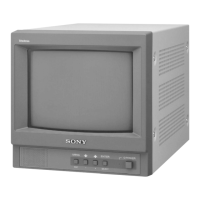
PVM-9L1
2-10. Convergence Adjustment (1)
1. Input a dot pattern signal.
CONTRAST... Conspicuous position
BRIGHT... 0
2. Align the horizontal R, G, and B dots at the center of
the screen by adjusting RV701 on the C board. (H.
STAT ADJ.)
* When H-CENT is changed after H-STAT adjustment,
readjust H-STAT. (H-STAT will change by means of
H-CENT VR.)
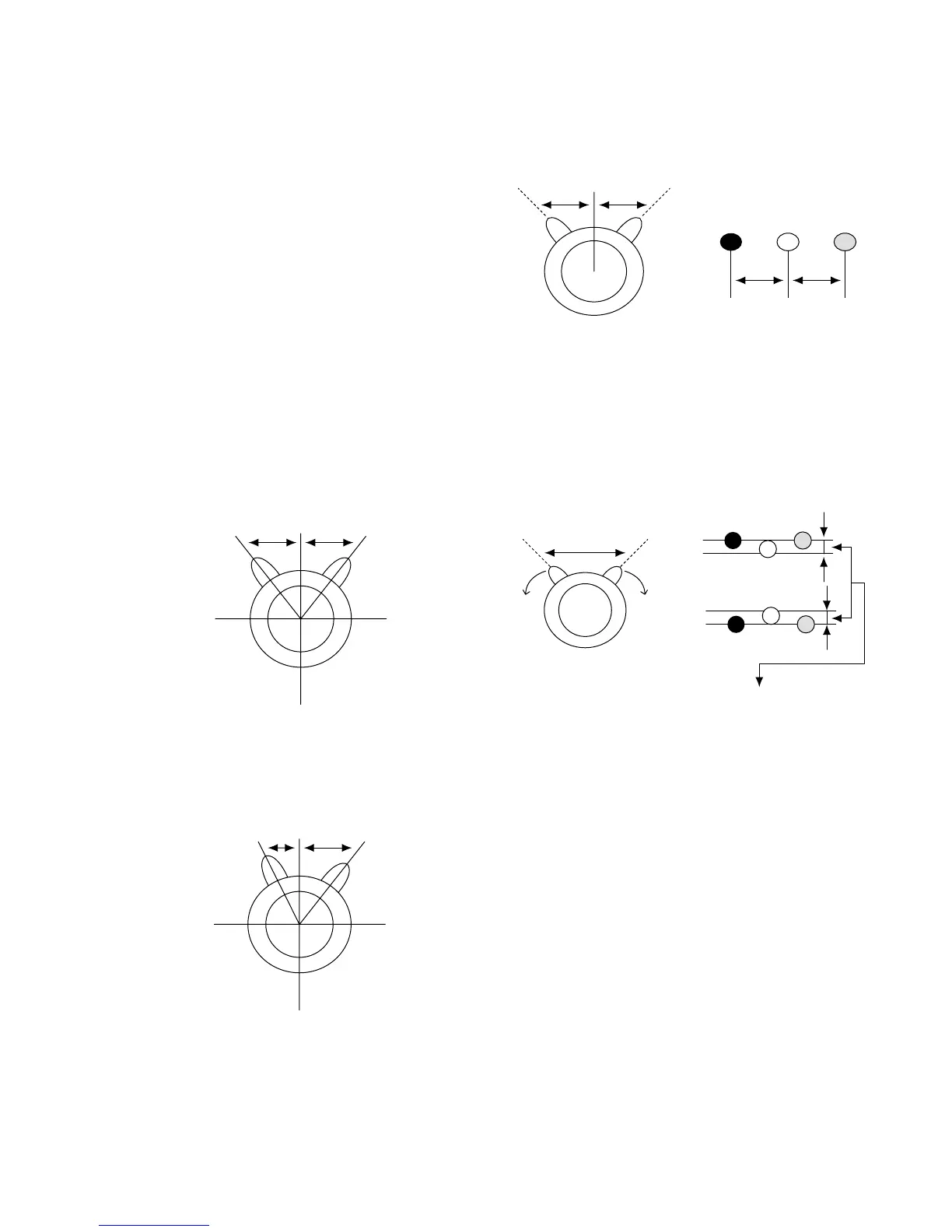
3. Using V STAT Mg, align the top and bottom of R, G
and B on center of the screen. (Fig. 2-22, 2-23)
* After V-STAT adjustment, paint-lock the knob.
V-STAT Mg knob
While keeping the angles A and B equal (I = I’), align the
vertical convergence.
Fig. 2-22 Good example
If the A and B knobs are not symmetrical (I ≠ I’), the focus
may deteriorate, beam striking or other adverse effects may
occur.
Fig. 2-23 Bad example
I
AB
X
Y
I’
AB
X
Y
I’I
4. For HMC, use the six poles Mg to adjust the R and B
dots so that they will be symmetrical horizontally with
respect to the G dot. (Fig. 2-24)
Fig. 2-24
5. For VMC, use the six poles Mg to adjust the R and B
dots so that they will be symmetrical vertically with
respect to the G dot. (Fig. 2-25)
Fig. 2-25
6. Repeat the adjustment steps from 2 through 5.
* The above adjustment may affect the landing, so after
adjustment, check the landing again.
7. Paint-lock the knobs after adjustment.
When the right convergence is not gotten even after
Convergence Adjustment (1), use the permalloy sheet to
adjust and fix the permalloy with RTV.




 To Next Page