12
KDL-40W4100/46W4100/46W4150
KDL-40W4100/46W4100/46W4150
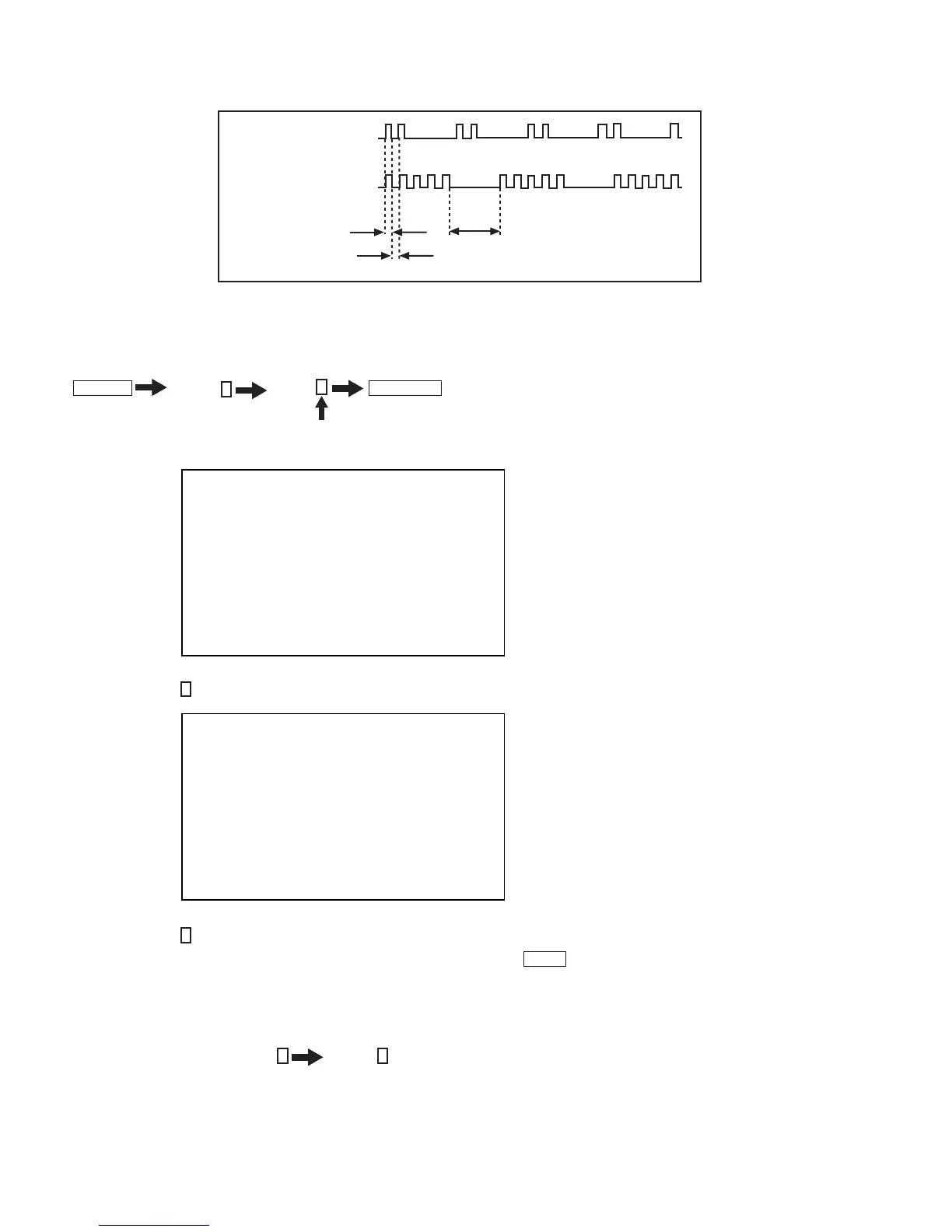
2 times
5 times
LED ON 0.3 sec.
LED OFF 0.3 sec.
LED OFF
3 sec.
Viewing the Self Check Diagnostic List
1. TV must be in standby mode. (Power off).
2. Press the following buttons on the Remote Commander within a second of each other:
DISPLAY
Channel
5
Volume
-
TV POWER
.
The Self Check list displays. This differs from accessing Service Adjustments.
Results for all of the following diagnostic items are displayed on screen. No error has occurred if the screen displays a “0”.
3. Press the Channel
1
button on the Remote Commander to go to Page 2 of the Self Check list.
SELF CHECK PAGE 1
002 MAIN_POWER 01
Í 1 indicates an error was detected
003 DC_ALERT1 00
Í 0 indicates no error was detected
005 PANEL_ALERT 00
006 BACKLIGHT 00
013 BACKLIGHT_BALANCE 00
00001 00027 00009 00000
SELF CHECK PAGE 2
007 TEMP 00
008 SP_PROT 00
011 TRIDENT_IC 00
012 HFR_ERROR 00
012 TCON_ERROR 00
00001 00027 00009 00000
4. Press the Channel
4
button on the Remote Commander to go back to Page 1 of the Self Check list.
NOTE: If the Service Menu display text is not completely visible, press the Menu
HOME
button on the Remote Commander to refresh the display.
5. To exit Self Check display, turn the power off.
Clearing the Self Check Diagnostic List
1. In Service Mode, press the Channel
8
Channel
0
.




 To Next Page