40
Operating the CD Player Using OSD
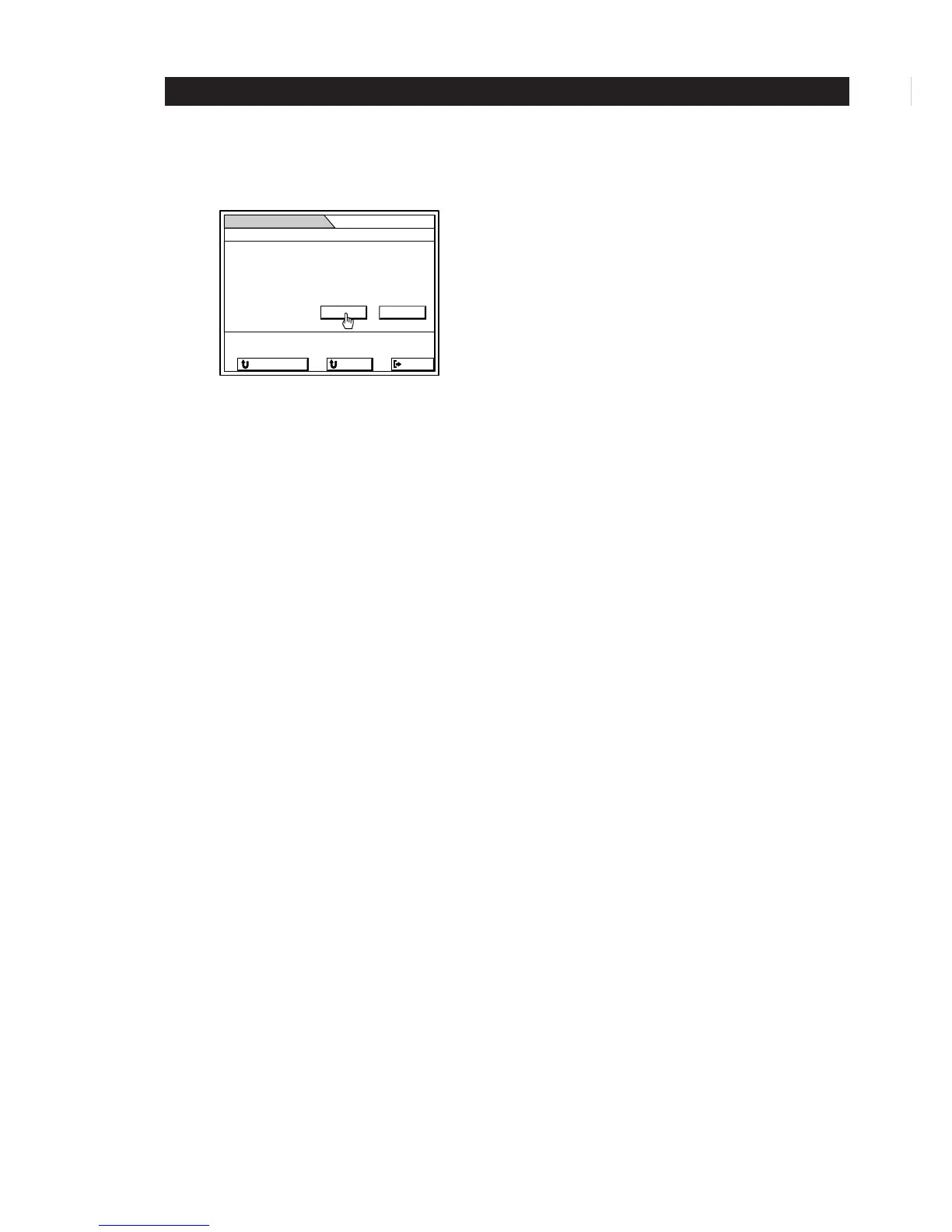
5 Click YES to erase all the names currently stored
in memory.
To go back to the previous menu
Click RETURN or press RETURN on the remote control.
To go back to the SUB menu
Click SUB.
To exit to the main menu.
Click EXIT or press EXIT on the remote control.
EXIT
MEMO
All discs memo will be
Is it all right?
ALL ERASE
SUB
RETURN
YES
erased!
NO


 To Next Page