49
Operating the Tape Deck Using OSD
10
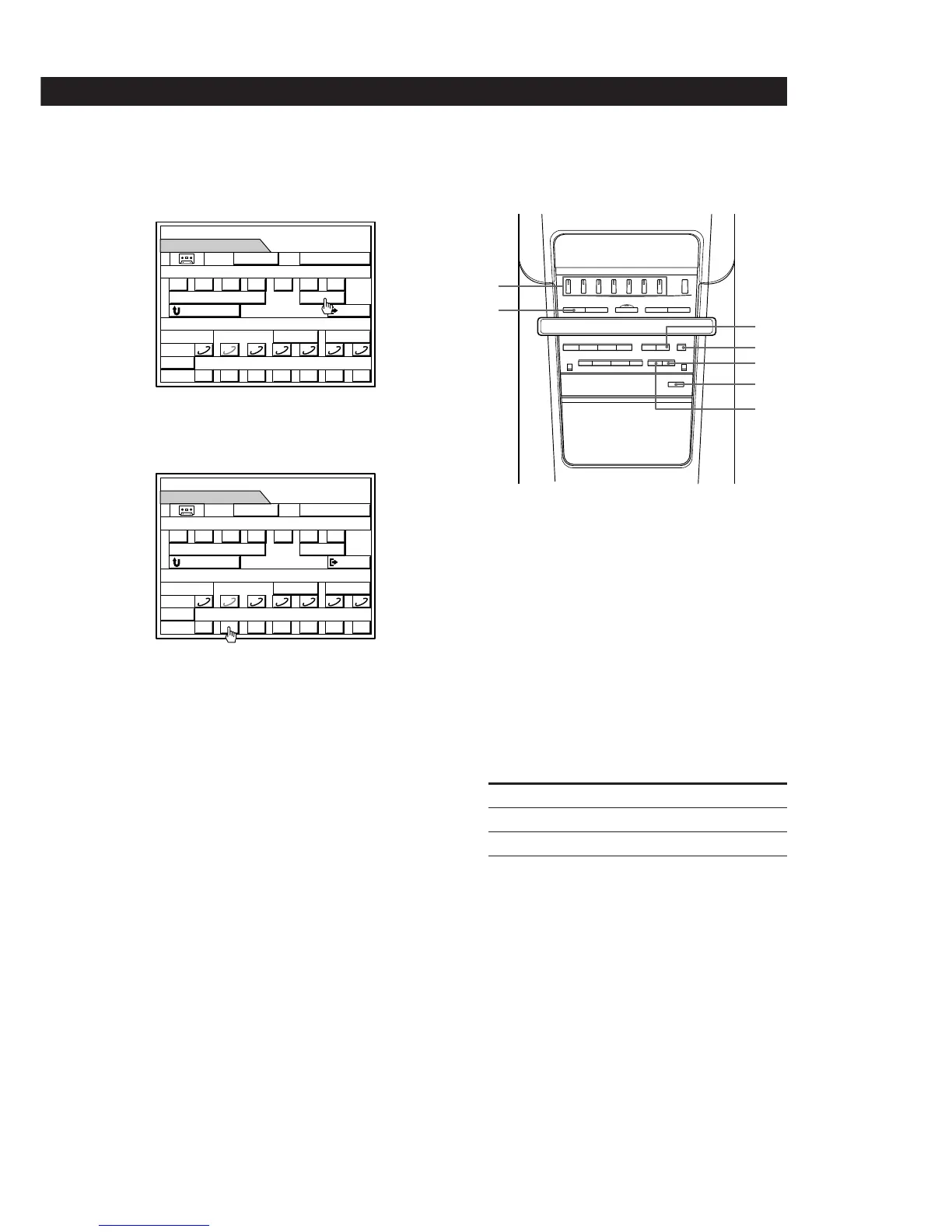
Click P, in the REC EDIT control panel, to release
recording pause. Recording starts.
You can also start recording by clicking ( or 9.
11Click ( in the CD control panel.
The CD player starts playing.
To insert a blank space
See “Inserting a Blank Space During Recording (rec mute)”
on page 56.
To go back to the previous menu
Click RETURN or press RETURN on the remote control.
To exit to the main menu.
Click EXIT or press EXIT on the remote control.
Notes
• Adjusting the volume will not effect the recording level.
But this will change the sound levels you hear through the
speakers or headphones.
• If you want to record specific tracks of a CD, the “program
edit” feature will make it easier (see page 52).
Recording from CD manually using the
controls on the speaker
1
Press EJECT § and insert a blank tape into the
tape deck, with the side you want to record facing
forward.
Make sure the tabs on the cassette have not been
removed.
2 Press FUNCTION repeatedly to select CD.
3 If “PROGRAM” or “SHUFFLE” appear in the
display, press PLAY MODE on the remote control
repeatedly until they disappear.
4 Press DIRECTION repeatedly to select how to
record the tape.
To record Select
One side of the tape D
Both sides* Å or ß
* Recording always stops at the end of the reverse
side. Be sure to start from the front side.
5 Press DOLBY NR repeatedly to select DOLBY NR
B or C when you want to reduce tape hiss in low-
level, high- frequency signals.
MEMO
TIME
DISC–2
SUB
0
DISC
() p P= +
REC EDIT
EXIT
1 2 3 4 5 6 7
09() pP§
REC
RESET
0000
DOLBY NR
§
RETURN
**
REC
(P
DOLBY
NR:
B
MEMO
TIME
SUB
0
DISC
() p P= +
REC EDIT
EXIT
1 2 3 4 5 6 7
09() pP§
REC
RESET
0005
DOLBY NR
§
RETURN
REC
(
DISC–2
**
DOLBY
NR:
B
7
6
4
1
5
8
2
90)(pPr
6
(continued)


 To Next Page