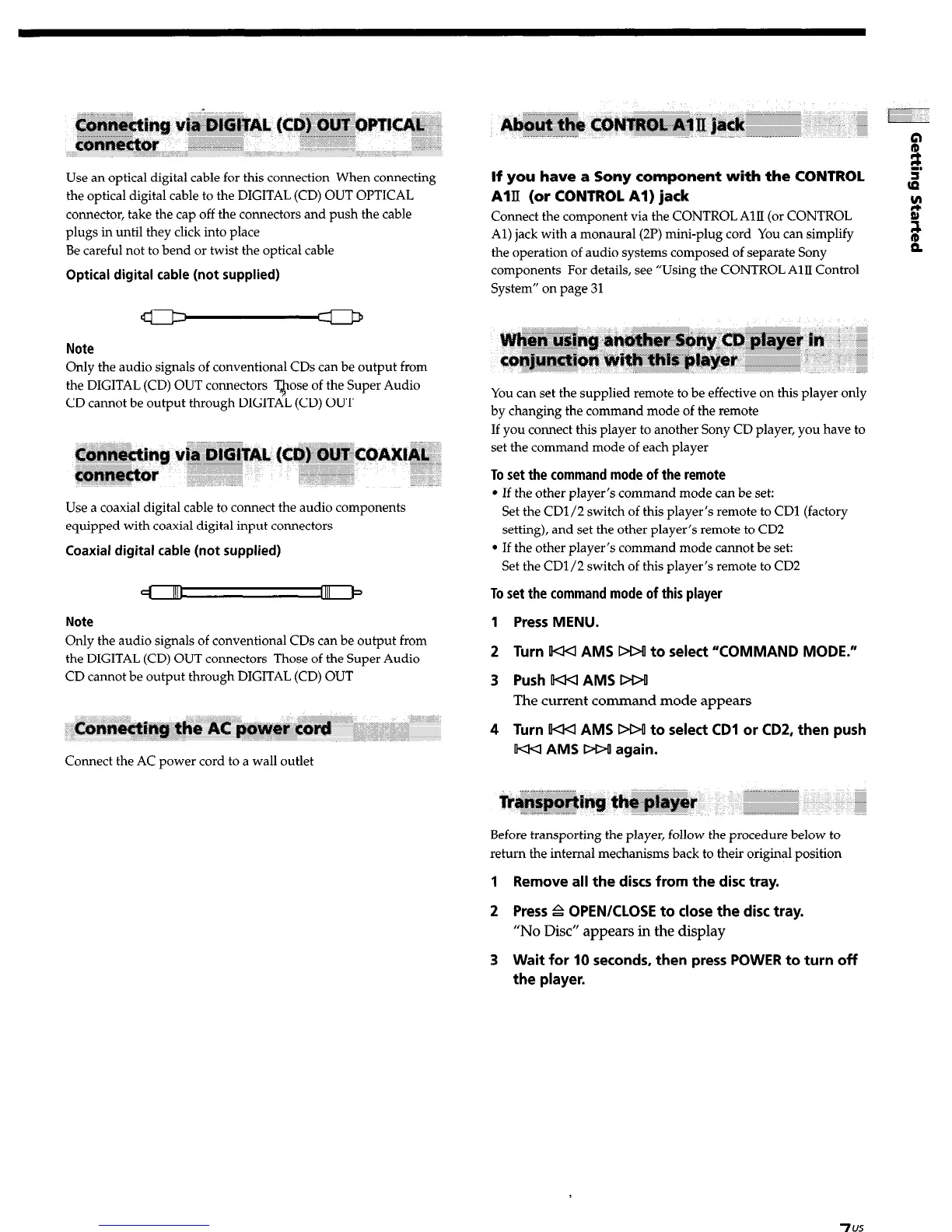
Use an optical digital cable for this connection When connecting
the optical digital cable to the DIGITAL (CD) OUT OPTICAL
connector, take the cap off the connectors and push the cable
plugs in until they click into place
Be careful not to bend or twist the optical cable
Optical digital cable (not supplied)
Note
Only the audio signals of conventional CDs can be output from
the DIGITAL (CD) OUT connectors Tw of the Super Audio
CD cannot be output through DIGITAL (CD) OUT
Use a coaxial digital cable to connect the audio components
equipped with coaxial digital input connectors
Coaxial digital cable (not supplied)
Note
Only the audio signals of conventional CDs can be output from
the DIGITAL (CD) OUT connectors Those of the Super Audio
CD cannot be output through DIGITAL (CD) OUT
Connect the AC power cord to a wall outlet
If you have a Sony component with the CONTROL
AIII (or CONTROL Al) jack
Connect the component via the CONTROL AlII (or CONTROL
Al) jack with a monaural (2P) mini-plug cord You can simplify
the operation of audio systems composed of separate Sony
components For details, see “Using the CONTROL AllI Control
System” on page 31
You can set the supplied remote to be effective on this player only
by changing the command mode of the remote
If you connect this player to another Sony CD player, you have to
set the command mode of each player
To set the command mode of the remote
l
If the other player’s command mode can be set:
Set the CD1/2 switch of this player’s remote to CD1 (factory
setting), and set the other player’s remote to CD2
l
If the other player’s command mode cannot be set:
Set the CD1/2 switch of this player’s remote to CD2
To set the command mode of this player
1 Press MENU.
2 Turn IKKI AMS DD! to select “COMMAND MODE.”
3 Push KKI AMS DDO
The current command mode appears
4 Turn KKI AMS DDO to select CD1 or CD2, then push
KKI AMS DDU again.
Before transporting the player, follow the procedure below to
return the internal mechanisms back to their original position
1 Remove all the discs from the disc tray.
2 Press P OPEN/CLOSE to close the disc tray.
“No Disc” appears in the display
3 Wait for 10 seconds, then press POWER to turn off
the player.
7
us


 To Next Page