EasyManua.ls Logo

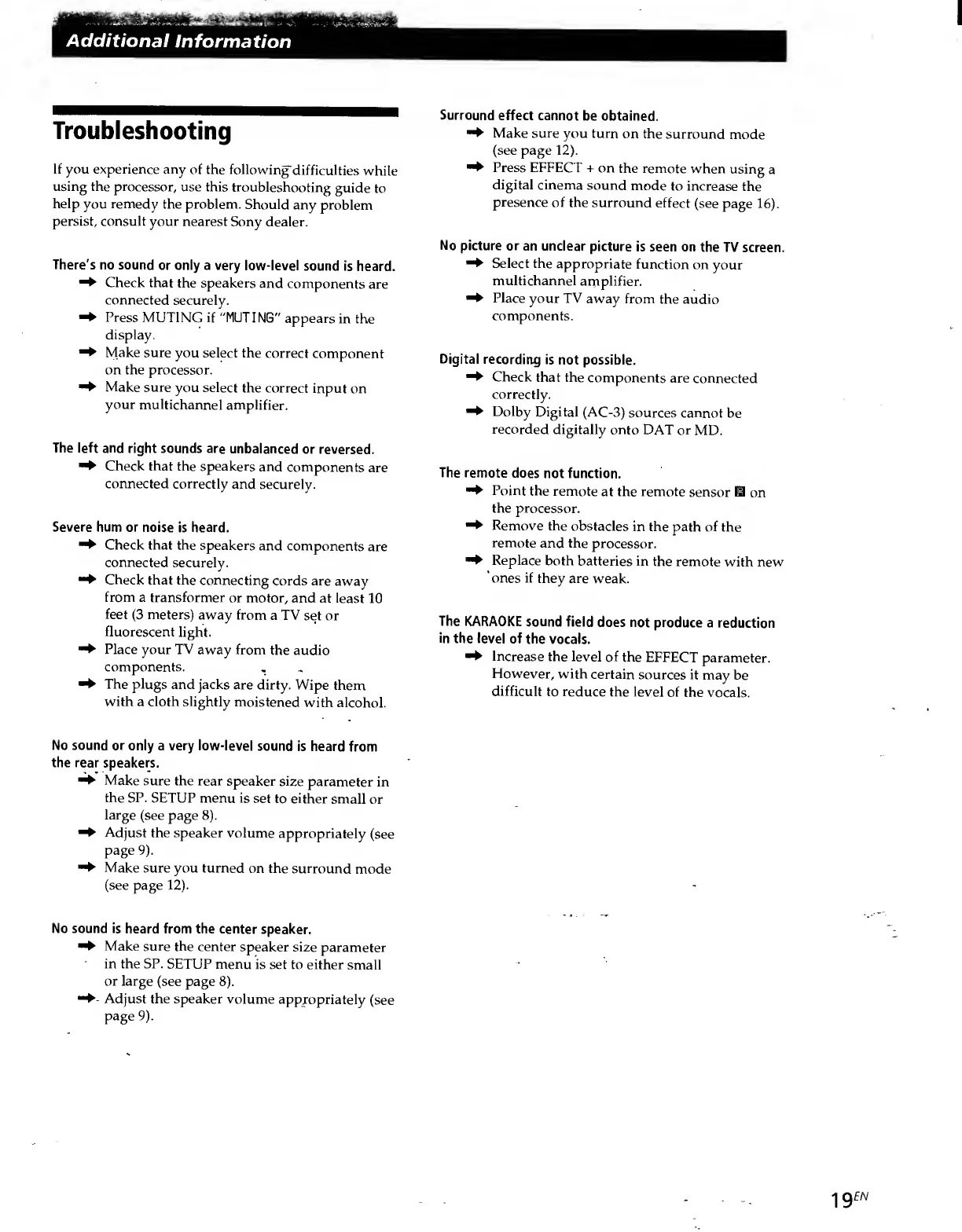
Sony SDP-E800 - Additional Information: Troubleshooting; Troubleshooting Guide; Surround Effect Issues; Picture and Display Issues

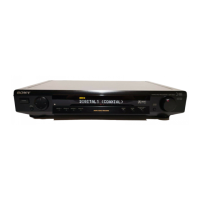
Sony SDP-E800
44 pages
Print Icon
To Next Page IconTo Next Page
To Previous Page IconTo Previous Page
Loading...
Additional
Information
Troubleshooting
If
you
experience
any
of
the
following
difficulties
while
using
the
processor,
use
this
troubleshooting
guide
to
help
you
remedy
the
problem.
Should
any
problem
persist,
consult
your
nearest
Sony
dealer.
There's
no
sound
or
only
a
very
low-level
sound
is
heard.
^
Check
that
the
speakers
and
components
are
connected
securely.
-
Press
MUTING
if
"MUTING"
appears
in
the
display.
Make
sure
you
select
the
correct
component
on
the
processor.
Make
sure
you
select
the
correct
input
on
your
multichannel
amplifier.
The
left
and
right
sounds
are
unbalanced
or
reversed.
^
Check
that
the
speakers
and
components
are
connected
correctly
and
securely.
Severe
hum
or
noise
is
heard.
Check
that
the
speakers
and
components
are
connected
securely.
Check
that
the
connecting
cords
are
away
from
a
transformer
or
motor,
and
at
least
10
feet
(3
meters)
away
from
a
TV
set
or
fluorescent
light.
Place
your
TV
away
from
the
audio
components.
^
The
plugs
and
jacks
are
dirty.
Wipe
them
with
a
cloth
slightly
moistened
with
alcohol.
No
sound
or
only
a
very
low-level
sound
is
heard
from
the
rear
speakers.
Make
sure
the
rear
speaker
size
parameter
in
the
SP.
SETUP
menu
is
set
to
either
small
or
large
(see
page
8).
Adjust
the
speaker
volume
appropriately
(see
page
9).
Make
sure
you
turned
on
the
surround
mode
(see
page
12).
No
sound
is
heard
from
the
center
speaker.
Make
sure
the
center
speaker
size
parameter
in
the
SP.
SETUP
menu
is
set
to
either
small
or
large
(see
page
8).
Adjust
the
speaker
volume
appropriately
(see
page
9).
Surround
effect
cannot
be
obtained.
^
Make
sure
you
turn
on
the
surround
mode
(see
page
12).
^
Press
EFFECT
+
on
the
remote
when
using
a
digital
cinema
sound
mode
to
increase
the
presence
of
the
surround
effect
(see
page
16).
No
picture
or
an
unclear
picture
is
seen
on
the
TV
screen.
^
Select
the
appropriate
function
on
your
multichannel
amplifier.
Place
your
TV
away
from
the
audio
components.
Digital
recording
is
not
possible.
^
Check
that
the
components
are
connected
correctly.
^
Dolby
Digital
(AC-3)
sources
cannot
be
recorded
digitally
onto
DAT
or
MD.
The
remote
does
not
function.
^
Point
the
remote
at
the
remote
sensor
HI
on
the
processor.
^
Remove
the
obstacles
in
the
path
of
the
remote
and
the
processor.
Replace
both
batteries
in
the
remote
with
new
ones
if
they
are
weak.
The
KARAOKE
sound
field
does
not
produce
a
reduction
in
the
level
of
the
vocals.
^
Increase
the
level
of
the
EFFECT
parameter.
However,
with
certain
sources
it
may
be
difficult
to
reduce
the
level
of
the
vocals.
ig
en

Related product manuals