41
Recording TV programs using the timer
Basic Operations
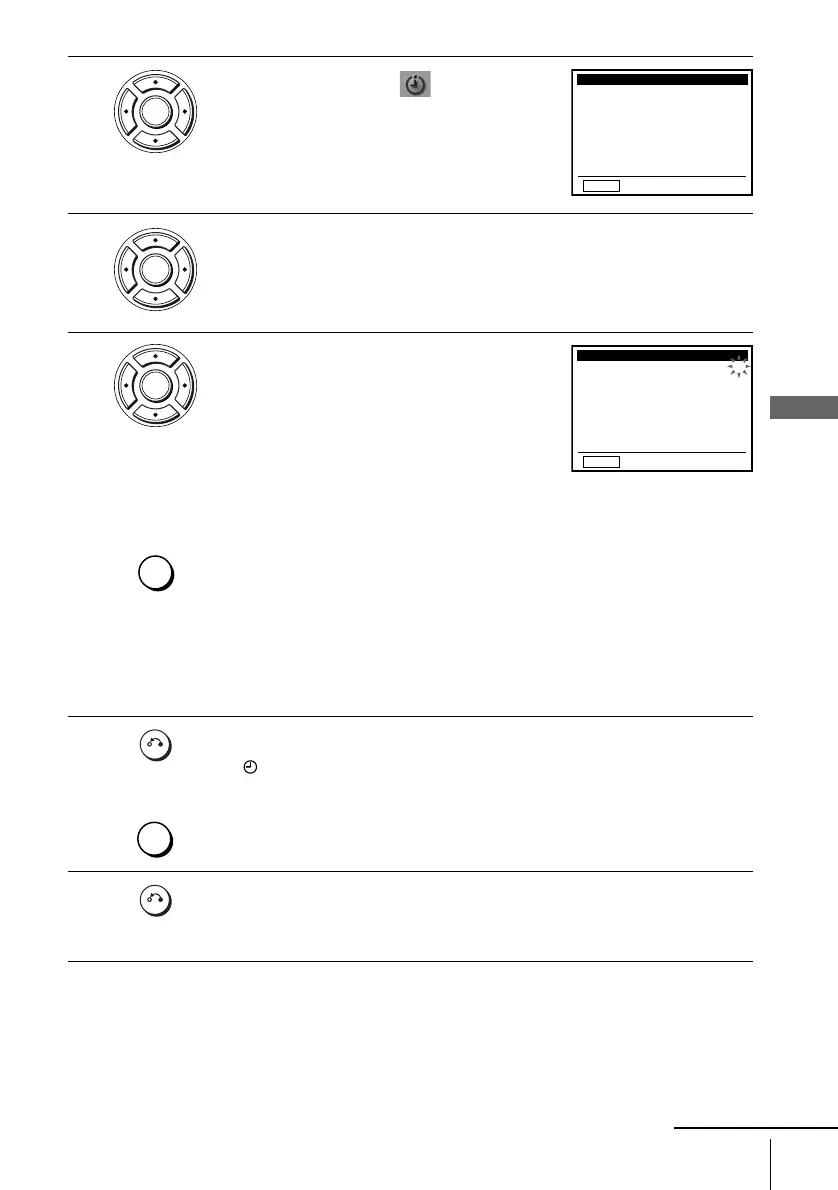
2
Press V/v/B/b to select (Set Timer
Recording), then press ENTER.
The program menu appears.
3
If necessary, press V/v to select the row that is to be set.
4
Set the channel number, start and stop time,
date, and tape speed:
1 Press b to flash each item in turn.
2 Press V/v to set each item.
To correct a setting, press B to return to that
setting and reset.
To record from a source connected to the LINE IN 1 or LINE-2 IN jacks,
press INPUT SELECT or V/v to display “L1 ” or “L2” in the “CH”
position.
To record the same program every day or the same day every week, press v
while the date is flashing. For details, see “Daily/weekly recording” below.
To use the Auto Tape Speed function, press v to display “AUTO” in the
“SPD” position. For details, see “To use the Auto Tape Speed function” on
page 42.
5
Press O RETURN to confirm the setting.
The indicator appears in the display window.
To enter another setting, press V/v to select the next row and repeat step 4.
Press CLEAR repeatedly to cancel the setting.
6
Press O RETURN repeatedly to exit the menu.
The DVD-VCR stands by for recording (you do not have to turn off the
DVD-VCR). When using a cable box, leave it on.
ENTER
CH START END DATE
SPD
–– –:–– –:–– ––– --
–– –:–– –:–– ––– --
–– –:–– –:–– ––– --
–– –:–– –:–– ––– --
–– –:–– –:–– ––– --
–– –:–– –:–– ––– --
–– –:–– –:–– ––– --
–– –:–– –:–– ––– --
RETURN
v
V
b
B
B
ENTER
ENTER
INPUT
SELECT
CH START END DATE
SPD
–– –:–– –:–– ––– --
–– –:–– –:–– ––– --
–– –:–– –:–– ––– --
–– –:–– –:–– ––– --
–– –:–– –:–– ––– --
–– –:–– –:–– ––– --
–– –:–– –:–– ––– --
RETURN
v
V
b
B
B
35 8:00 9:00 9 /30 SP
P
M
P
M
RETURN
CLEAR
RETURN
continued














 To Next Page