72
Virtual surround setting
Virtual surround setting
To cancel the setting
Select “Off” in step 2.
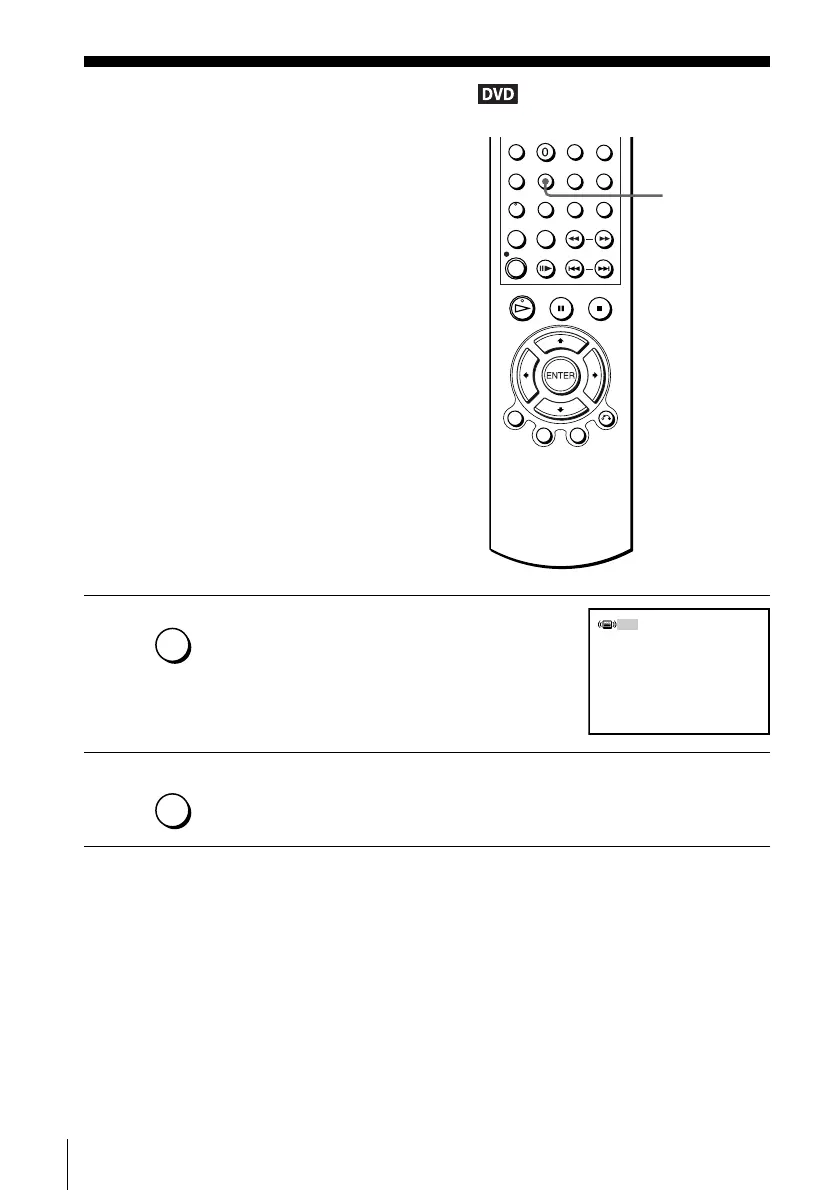
When you connect a stereo TV or 2 front
speakers, SURROUND lets you enjoy surround
sound effects by using sound imaging to create
virtual rear speakers from the sound of the front
speakers without using actual rear speakers.
This function is designed to work with the LINE
OUT AUDIO L/R jacks.
1
Press SURROUND during playback.
2
Press SURROUND repeatedly to select “On.”
SURROUND
SURROUND
Off
SURROUND














 To Next Page