43
Checking/changing/canceling timer settings
Basic Operations
Checking/changing/canceling timer
settings
1
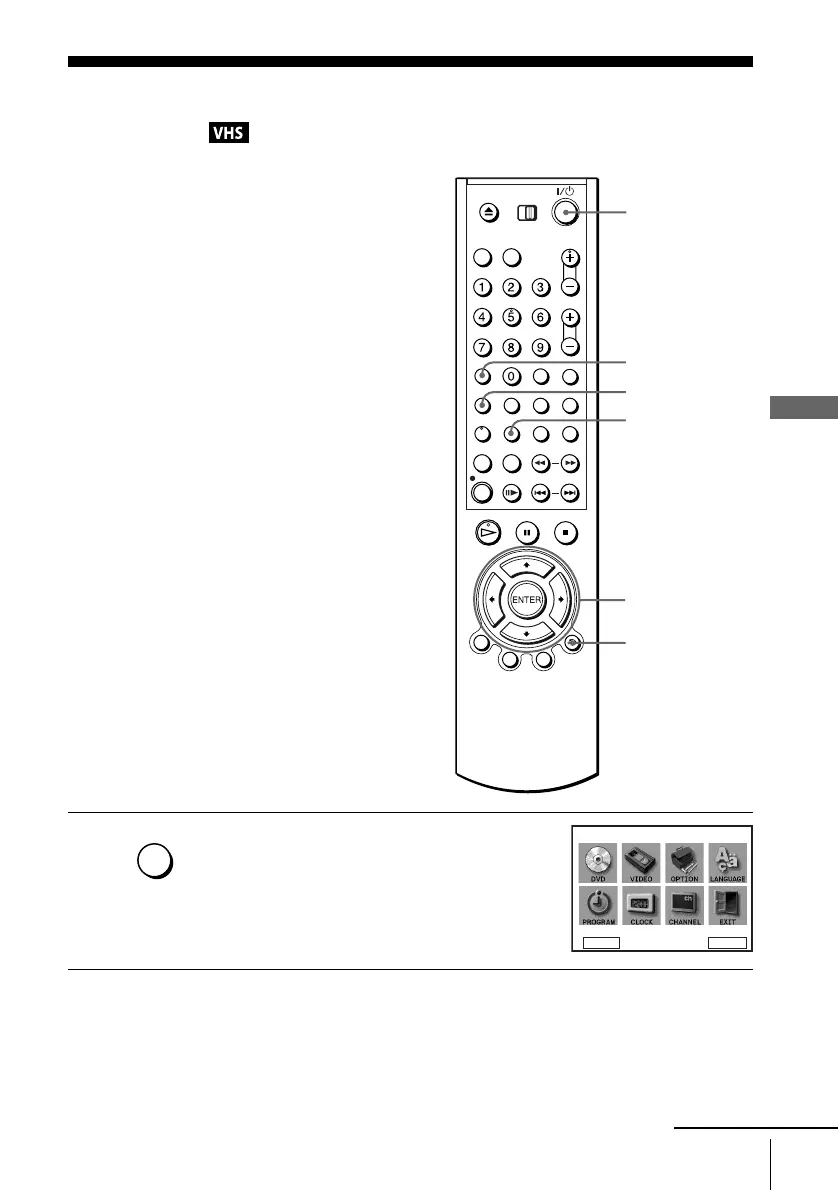
Press SET UP when the DVD player is in stop
mode.
The “SETUP MENU” appears.
You can also use the TIMER button in VIDEO
mode, then you can skip step2.
SET UP
V/v/B/b
ENTER
?/1
O RETURN
CLEAR
SET UP
DVD Setup
RETURN
SETUP MENU
Vv
b
B
ENTER
continued
TIMER



 To Next Page