49
Audio Setup
DVD Settings and Adjustements
DVD Settings and Adjustements
Audio Setup
“Audio Setup” allows you to set the sound
according to the playback and connection
conditions.
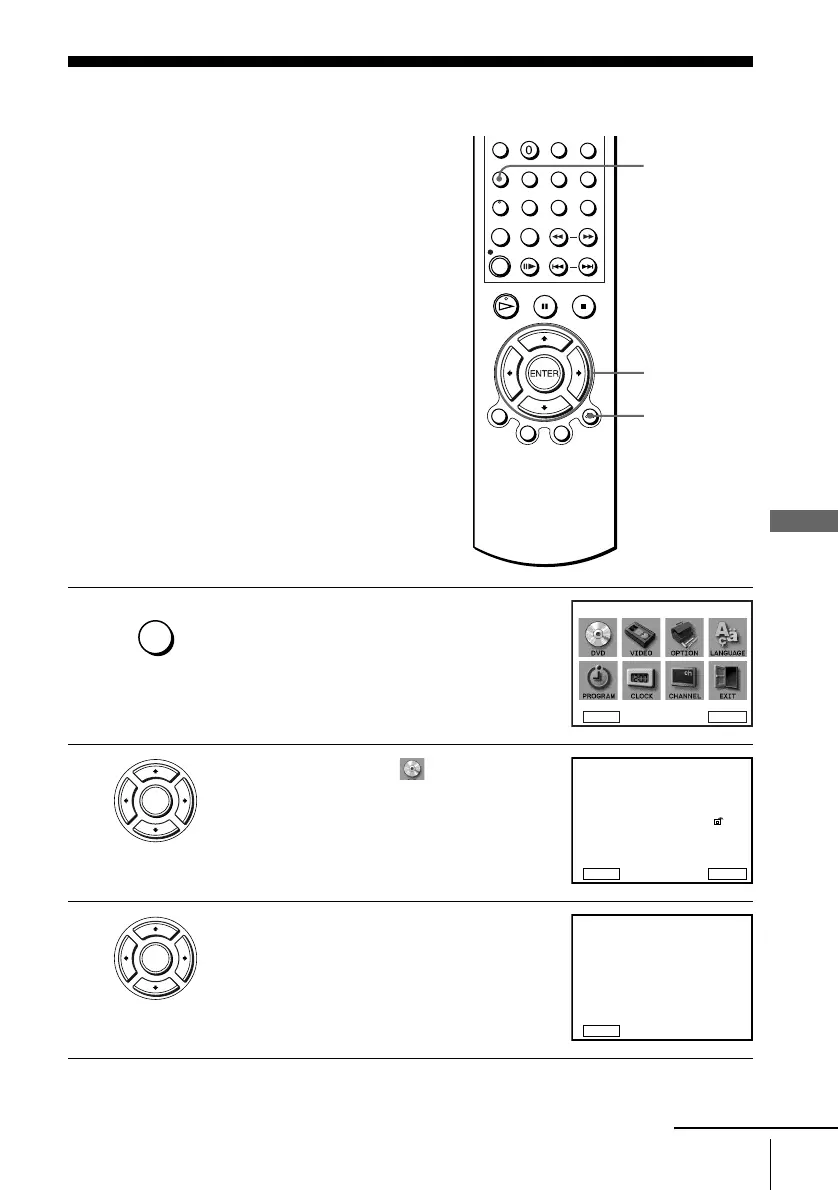
1
Press SET UP when the DVD player is in stop
mode.
The “SETUP MENU” appears.
2
Press V/v/B/b to select (DVD Setup),
then press ENTER.
The “DVD SETUP” menu appears.
3
Press V/v to select “Audio Setup,” then press
ENTER.
V/v/B/b
ENTER
SET UP
O RETURN
SET UP
DVD Setup
RETURN
SETUP MENU
Vv
b
B
ENTER
ENTER
DVD Menu
Subtitle
Audio Setup
Screen Setup
Parental
Audio
English
Audio Follow
Unlocked
Original
RETURN
DVD SETUP
ENTER
v
V
ENTER
Dolby Digital
Audio DRC
DTS
D - PCM
Off
Standard
RETURN
AUDIO SETUP
v
V
b
B
continued














 To Next Page