77
Playing VIDEO CDs with “MENU ON/OFF” Functions
DVD Additional Operations
Playing VIDEO CDs with “MENU ON/OFF”
Functions
The PBC (Playback control) function allows
you to search and perform other operations
interactively. PBC playback follows a selection
menu displayed on your TV screen.
The “MENU ON” function is the PBC function.
1
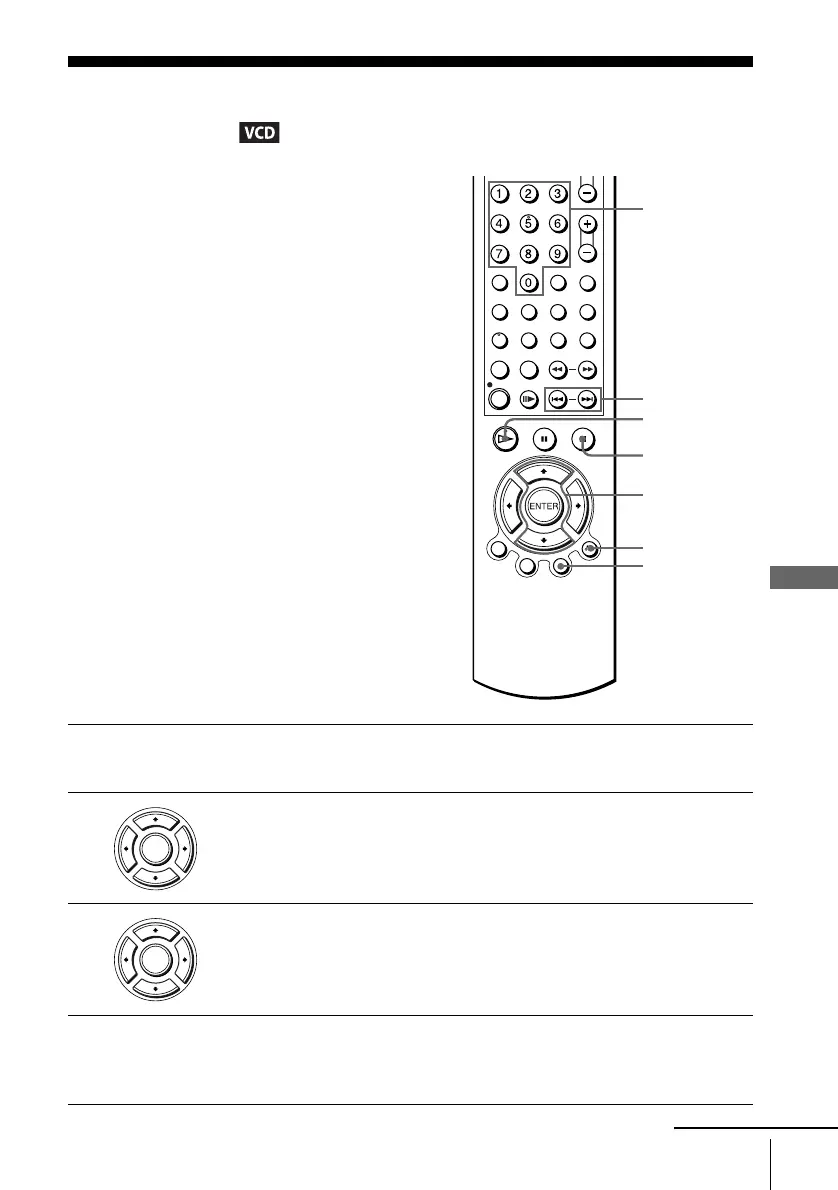
Start playing a VIDEO CD with “MENU ON.”
The menu for your selection appears.
2
Press V/v to select the item number you want.
You can also use the number buttons to select the item number and track.
3
Press ENTER.
4
Follow the instructions in the menu for interactive operations.
Refer to the instructions supplied with the disc, as the operating procedure
may differ depending on the VIDEO CD.
V/v
ENTER
Number
buttons
H PLAY
O RETURN
x STOP
./>
MENU
ENTER
ENTER
continued














 To Next Page