68
Various play mode functions (Program play, Random play, Repeat play)
Playing repeatedly (Repeat play)
To return to normal play
Select “Off” or press CLEAR in step 2.
You can play all of the titles or tracks on a
disc or a single title, chapter, or track
repeatedly.
1
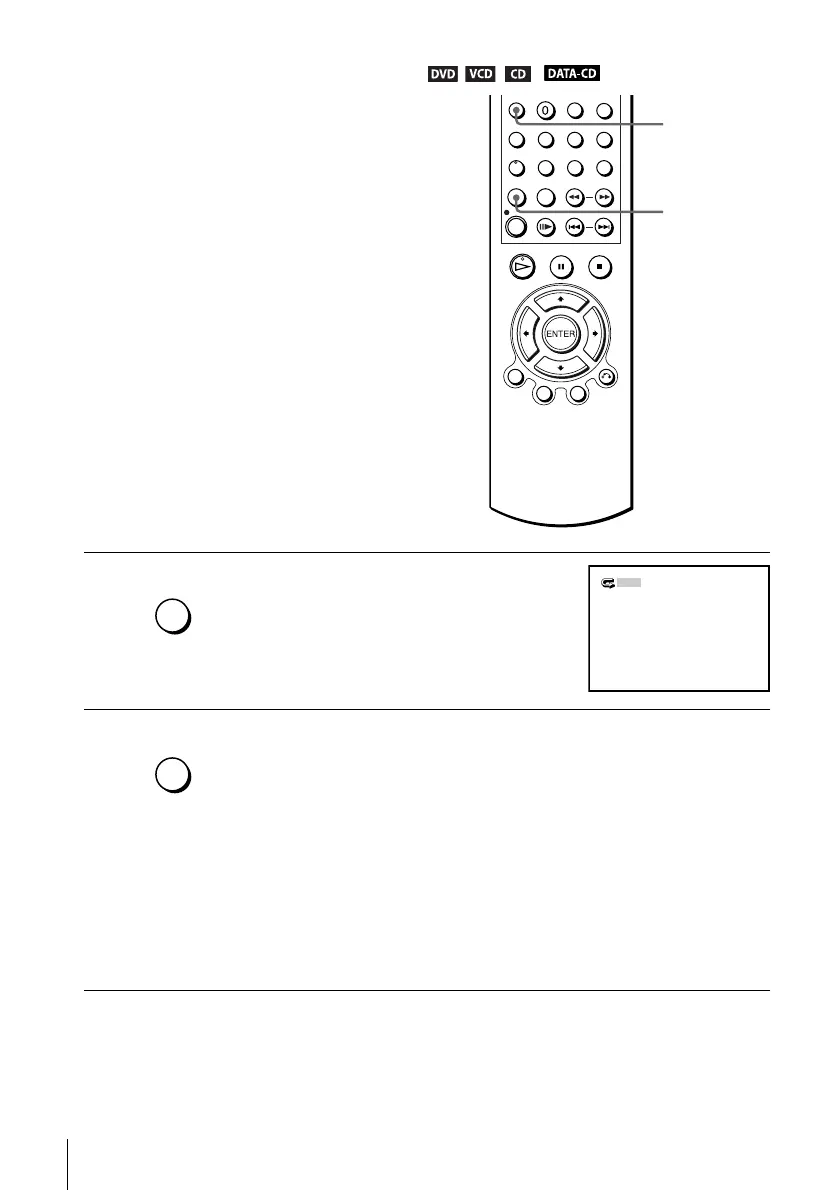
Press REPEAT during playback.
2
Press REPEAT repeatedly to select the item to be repeated.
When playing a DVD
• Chapter: repeats the current chapter.
• Title: repeats the current title on a disc.
When playing a VIDEO CD or CD
• Track: repeats the current track.
• Disc: repeats all of the tracks.
When playing a DATA CD (MP3 audio)
• Track: repeats the current track.
REPEAT
CLEAR
REPLAY/
REPEAT
Off
REPLAY/
REPEAT














 To Next Page