Getting Started
13
US
Setting up the remote commander
You can use this remote to operate your Sony TV. Use the buttons marked with an orange
dot (•).
When the TV
/ DVD·VIDEO switch is set to TV, the remote performs the following:
To control the DVD-VCR, reset TV
/ DVD·VIDEO switch to DVD·VIDEO.
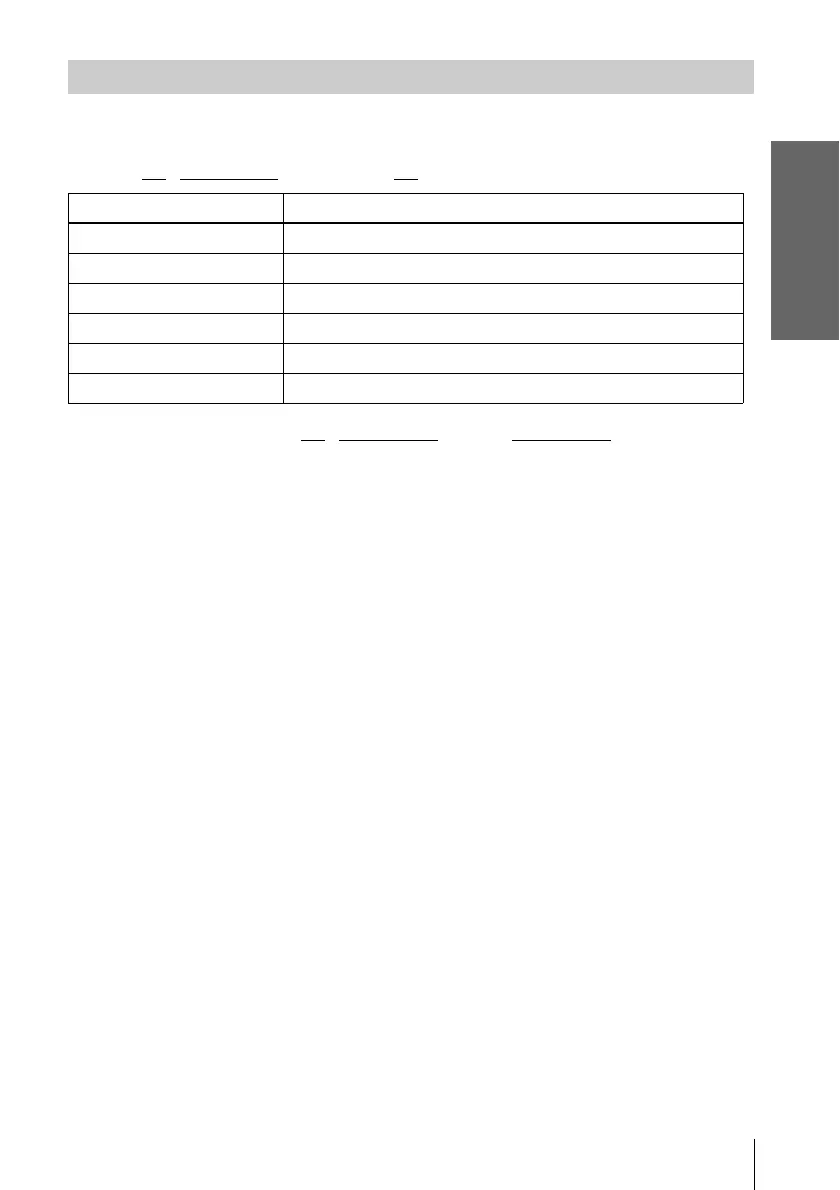
Controlling TVs with the remote commander
Buttons Operations
?/1 Turns a Sony TV on or off.
VOL +/– Adjusts the volume of a Sony TV.
CH +/– Selects the channel on a Sony TV.
Number buttons and ENTER Selects the channel on a Sony TV.
MUTING Mutes a Sony TV equipped with the muting function.
TV/VIDEO Switches a Sony TV’s input source.














 To Next Page