56
US
Zooming into a scene
Zooming into a scene
Notes
• You cannot use 4
× magnification when you play VIDEO CDs.
• The zoom function may not work depending on the DVD.
You can zoom into a scene during playback
or still mode.
To zoom into a JPEG image, see “Playing
JPEG image files” on page 75.
Before you start…
•Set TV
/ DVD·VIDEO switch to
DVD·VIDEO
on the remote.
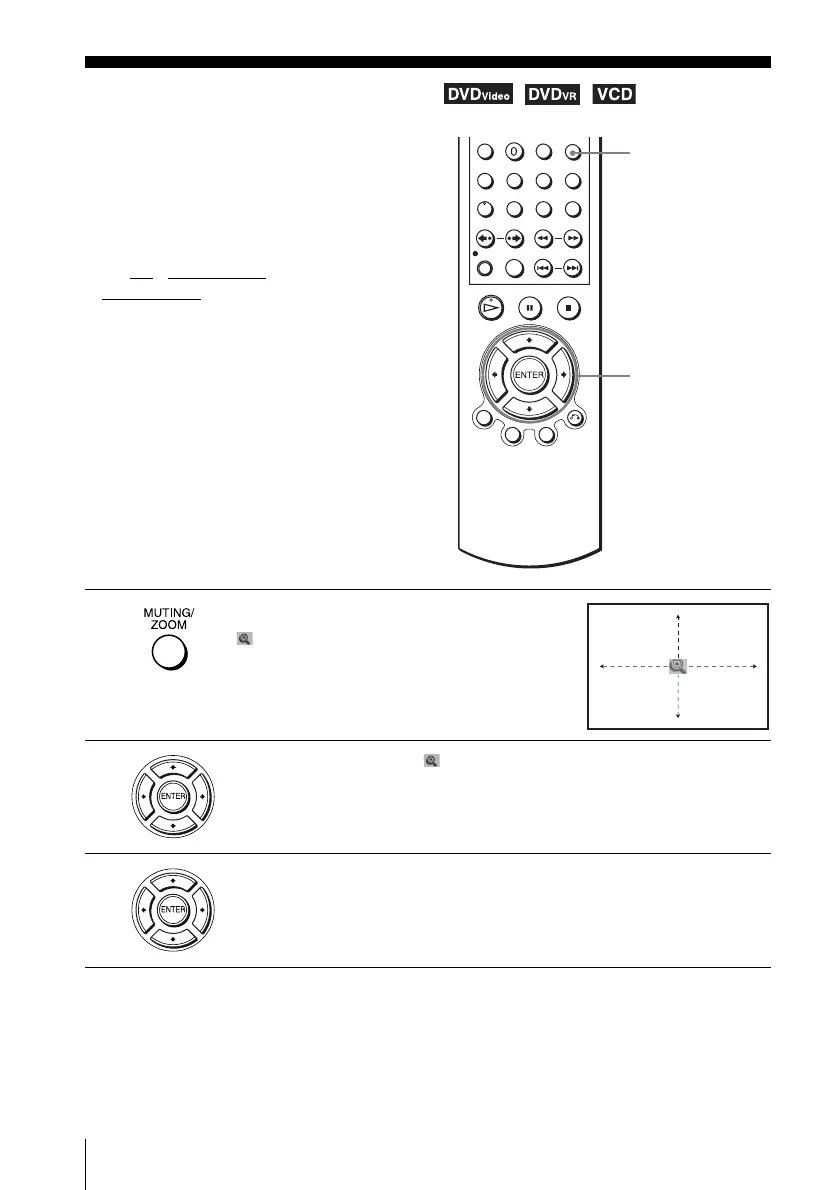
1
Press ZOOM.
“ ” appears.
2
Press V/v/B/b to move “ ” to the position where you want to zoom in.
3
Press ENTER repeatedly to change the magnification.
Each time you press the button, the magnification changes as shown below.
2× t 4× t 2× t normal magnification
ZOOM
V/v/B/b
ENTER














 To Next Page