86
US
Changing menu options
Additional Information
Changing menu options
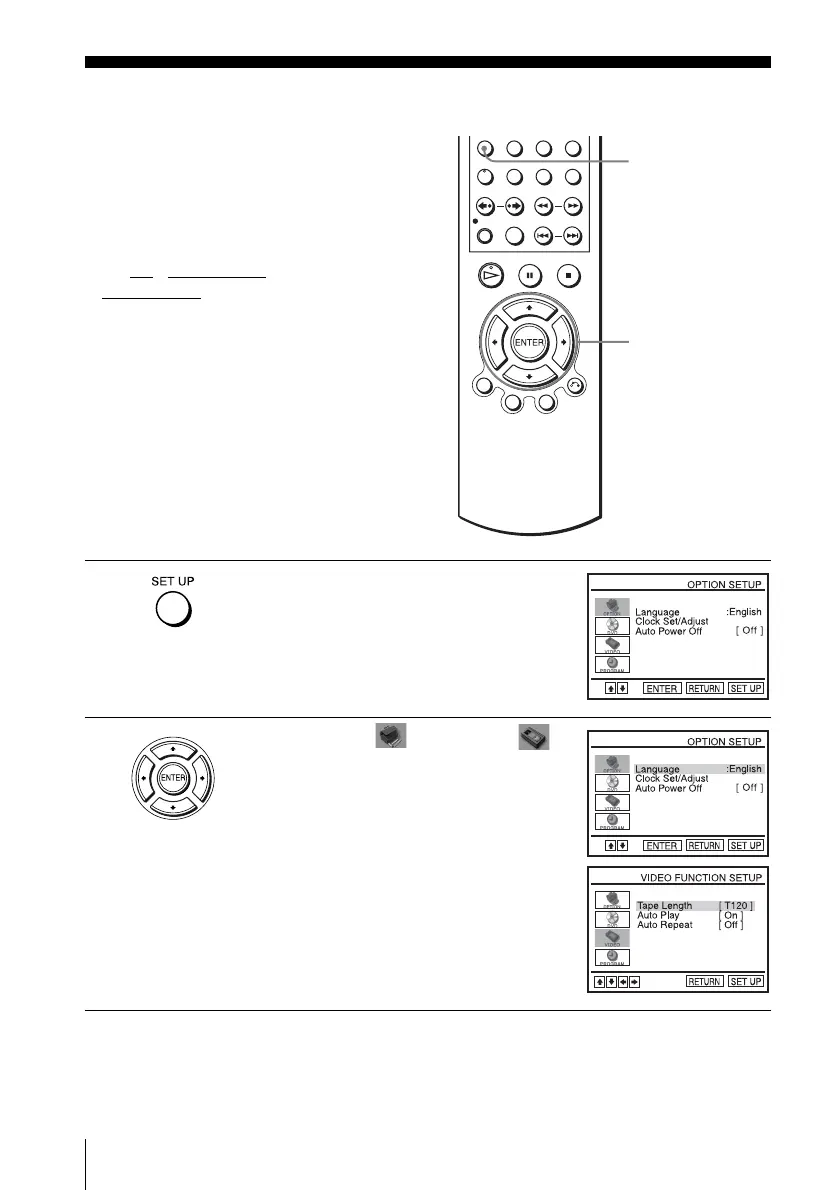
You can set the auto power off function or
change the tape length, auto play and auto
repeat settings. Normally the default settings
are used. Change these settings if necessary.
Before you start…
•Set TV
/ DVD·VIDEO switch to
DVD·VIDEO
on the remote.
1
Press SET UP when the DVD player is in stop
mode.
2
Press V/v to select (OPTION) or
(VIDEO) and press ENTER.
The “OPTION SETUP” menu or “VIDEO
FUNCTION SETUP” menu appears.
SET UP
V/v/B/b
ENTER














 To Next Page