Getting Started
15
US
Basic hookups
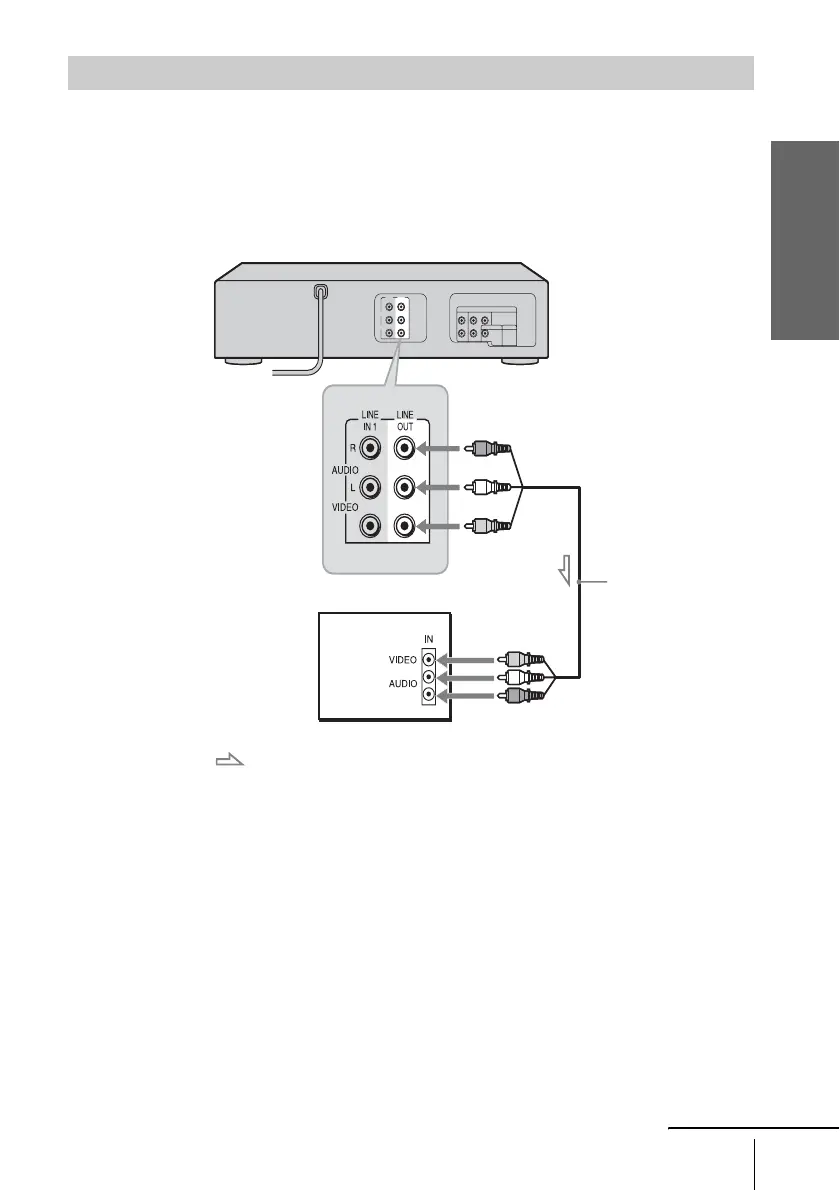
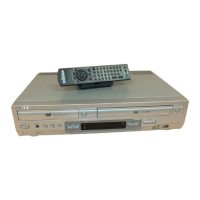
Connect the TV and DVD-VCR using the supplied audio/video cord.
See “Advanced Hookups for the DVD Player” (page 21, 22) for hookup methods that will
optimize the picture and sound for a true “hometheater” experiences.
If you want to record cable TV programs, complete these connections first, and then go to the
following pages for cable hookups.
Note
• When the connected TV has only monaural sound input jack, connect to just the LINE OUT/
AUDIO L (white) and VIDEO input jacks. Do not connect the AUDIO R (red) jack.
Connecting to your TV
: Signal flow
Audio/video cord
(supplied)
TV
DVD-VCR
to LINE OUT
continued



 To Next Page