DVD Additional Operations
59
US
Displaying the subtitle
Displaying the subtitle
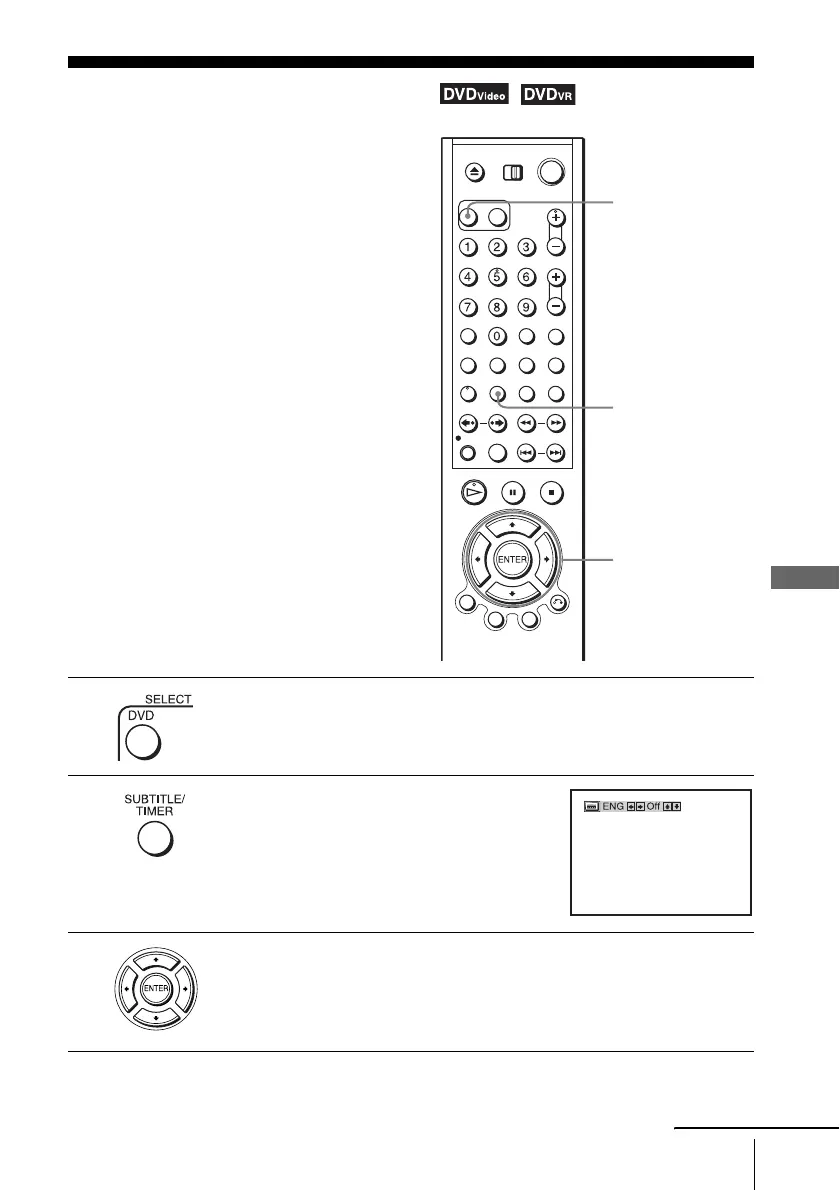
If subtitles are recorded on the disc, you can
change the subtitles or turn them on and off
whenever you want while playing a DVD.
1
Press SELECT DVD to control the DVD player.
2
Press SUBTITLE during playback.
3
Press B/b repeatedly to select the language.
Depending on the DVD, the choice of language varies.
Refer to “DVD Audio/Subtitle Language” on page 100 for the abbreviation
of the language.
SUBTITLE
V/v/B/b
SELECT DVD
continued














 To Next Page