82
US
Searching using various functions
Searching using various functions
The VCR automatically marks the tape with
an index signal at the point where each
recording begins.
You can easily find a specific point using
various search functions.
1
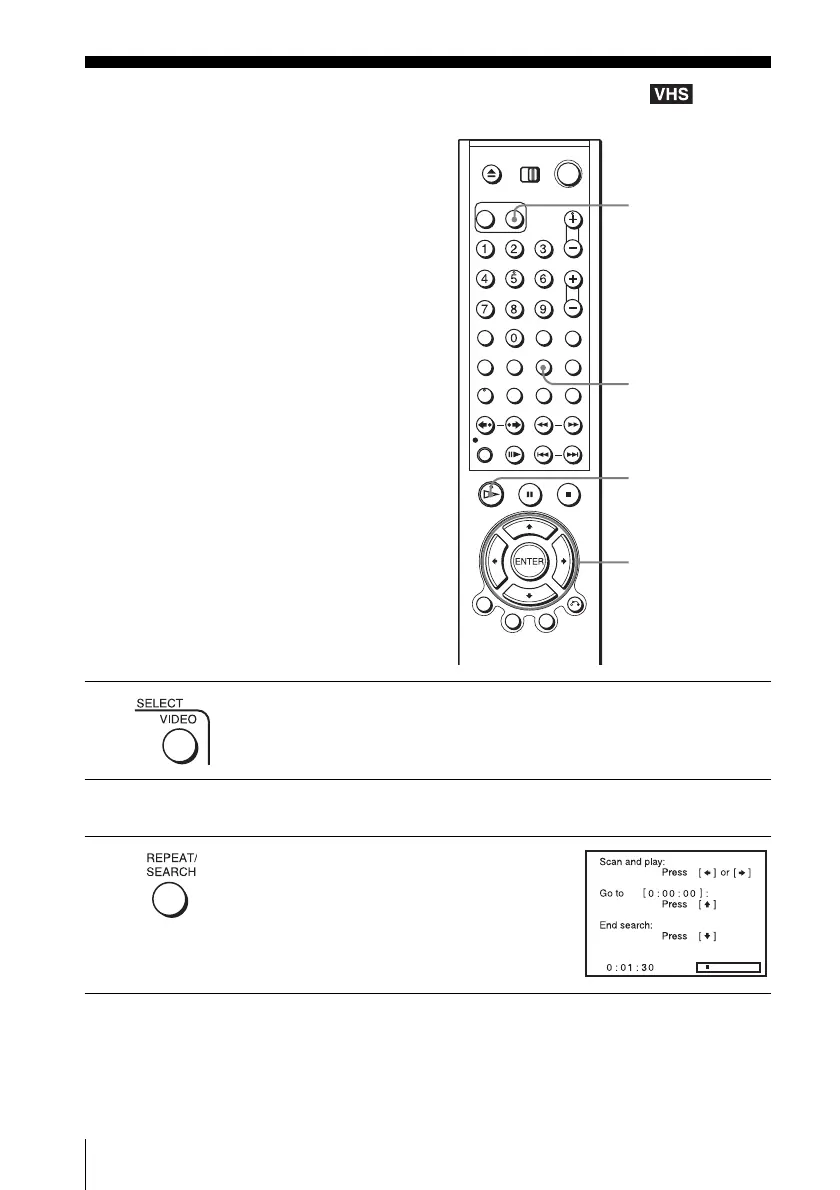
Press SELECT VIDEO to control the VCR.
2
Insert an indexed tape into the VCR.
3
Press SEARCH.
SEARCH
V/v/B/b
H PLAY
SELECT VIDEO














 To Next Page