28
US
Guide to the on-screen display
Guide to the on-screen display
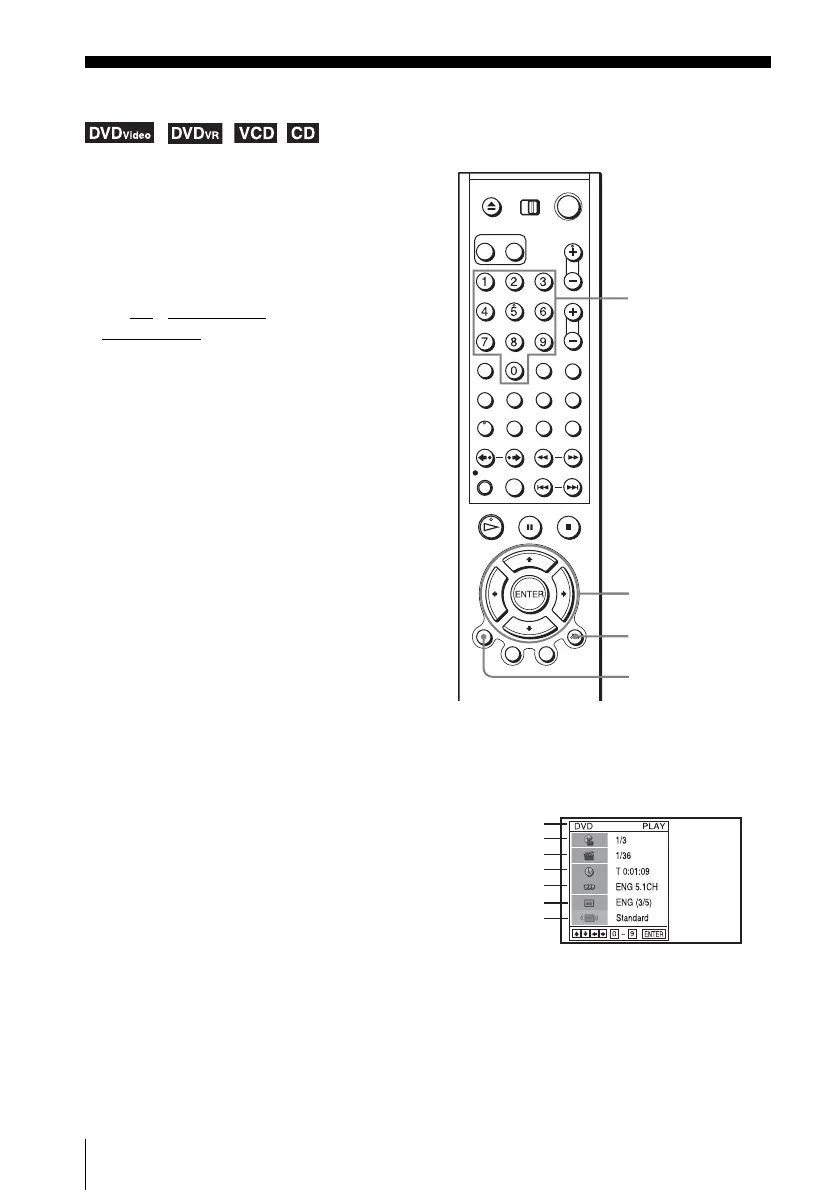
Press DISPLAY during playback. The following information appears; type of disc, current title/
track, chapter, counter position, voice language, subtitle language and Custom AV Mode
setting. Refer to “DVD Audio/Subtitle Language” on page 100 for the abbreviation of the
language.
Note
• You cannot select disc information items when the disc is stopped.
You can check disc information during
playback.
The displayed contents differ according to
the type of disc being played.
Before you start…
•Set TV / DVD·VIDEO switch to
DVD·VIDEO
on the remote.
DISPLAY
V/v/B/b
ENTER
O RETURN
Number buttons
Type of disc
Current title/track number
Current chapter number
Counter position
Voice language
Subtitle language
Custom AV Mode














 To Next Page