DVD Additional Operations
67
US
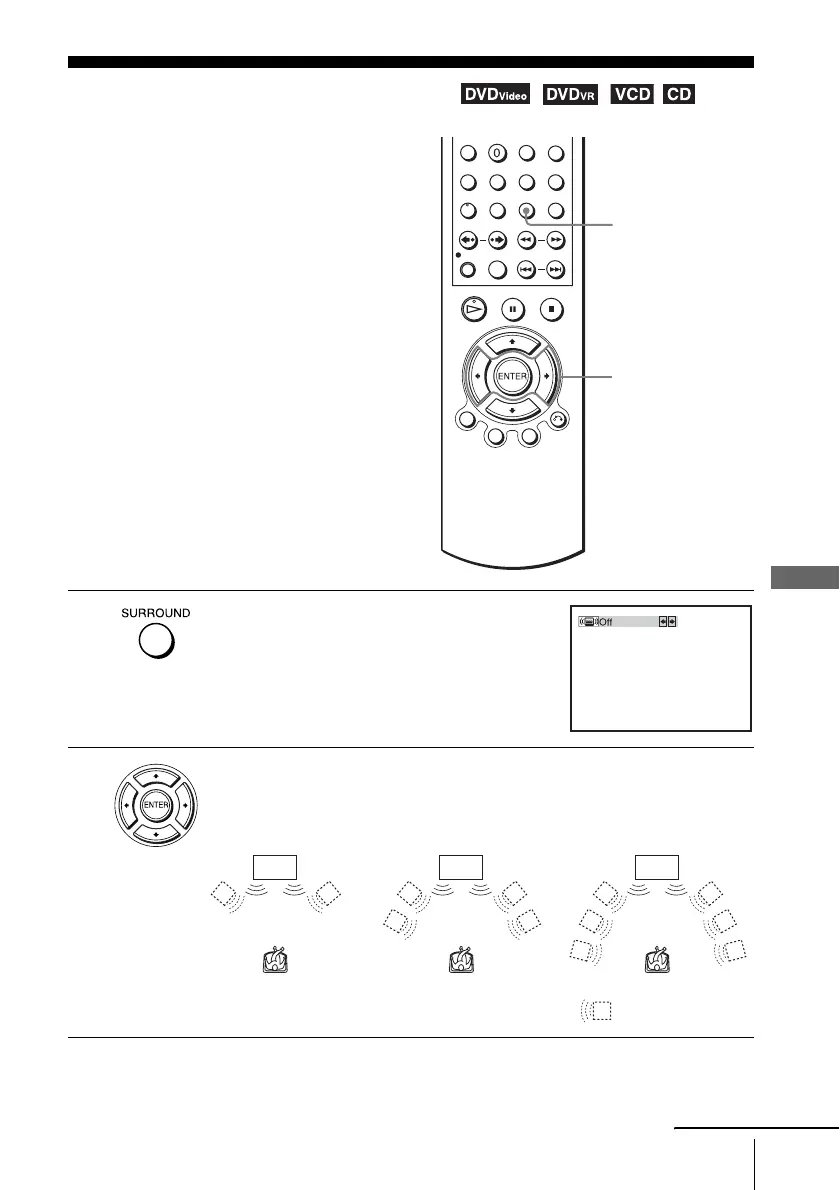
Virtual surround setting
Virtual surround setting
When you connect a stereo TV or 2 front
speakers, SURROUND lets you enjoy surround
sound effects by using sound imaging to create
virtual rear speakers from the sound of the front
speakers without using actual rear speakers.
1
Press SURROUND during playback.
2
Press B/b repeatedly to select “Surround1,” “Surround2,” “Surround3.”
Surround effect increases as shown below.
SURROUND
B/b
TV TV TV
Surround1 Surround2 Surround3
: Virtual speaker
continued














 To Next Page