DVD Additional Operations
63
US
Various play mode functions (Program play, Shuffle play, Repeat play)
You can shuffle the playback order of tracks. Subsequent “shuffling” may produce a different
playing order.
To shuffle MP3 audio tracks, see page 72.
To return to normal play
Press CLEAR until “Off” appears at the upper left top of the TV screen during shuffle
play.
Tip
• Shuffle play will stop when all the tracks are played back.
Note
• You cannot repeat play while in shuffle play.
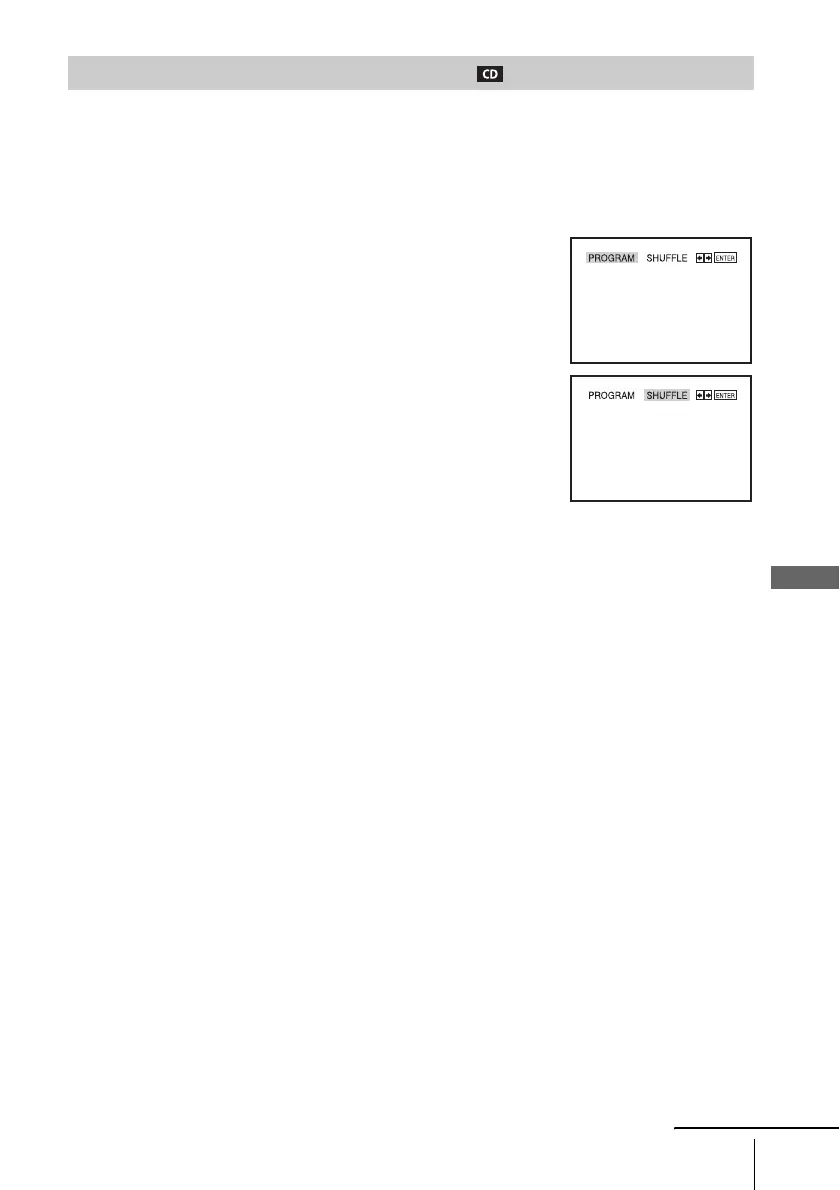
Playing in random order (Shuffle play)
1
Press SELECT DVD to control the DVD player.
2
Press REPEAT when the DVD player is in stop mode.
3
Press B/b to select “SHUFFLE”, then press ENTER.
continued














 To Next Page