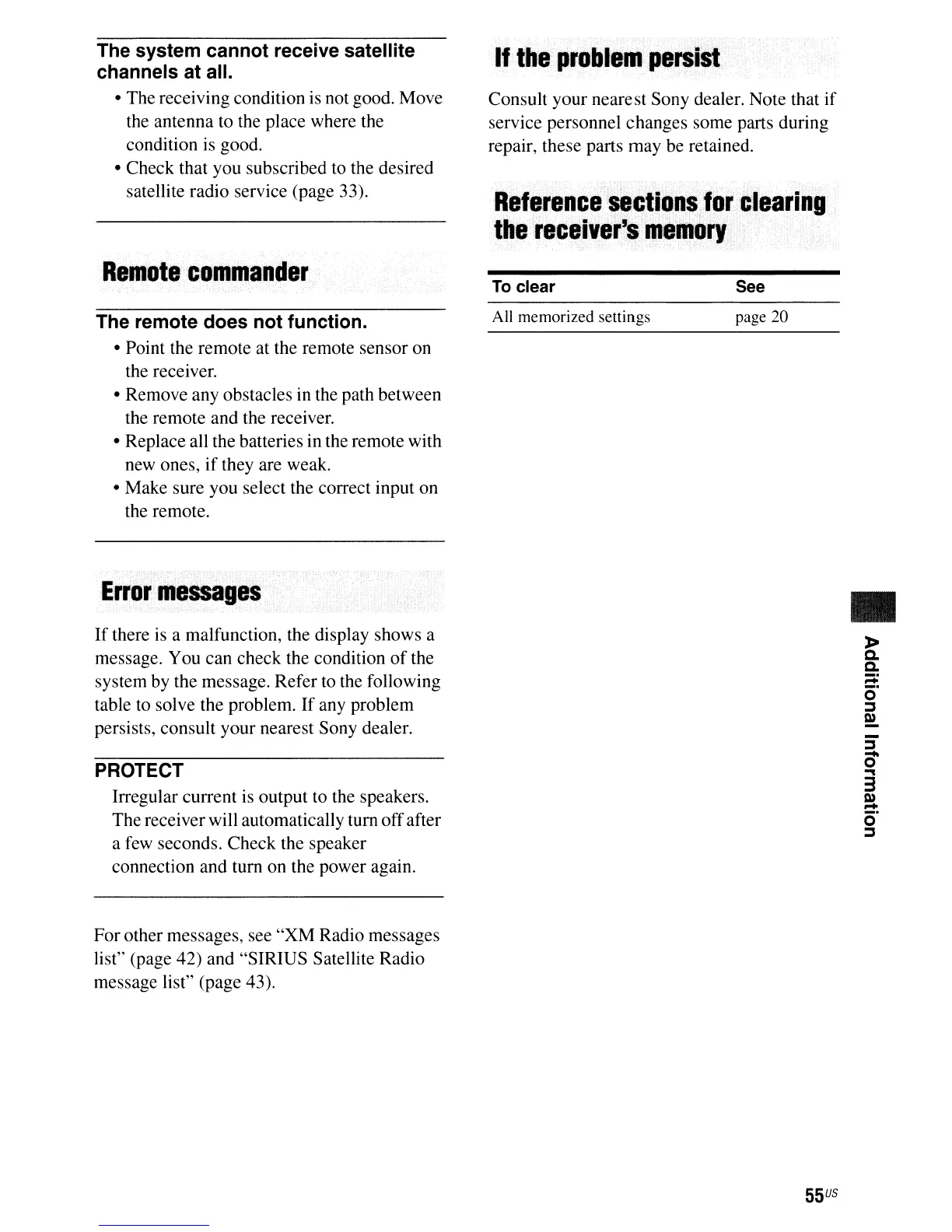
The system cannot receive satellite
channels at all.
• The receiving condition is not good. Move
the antenna to the place where the
condition is good.
• Check that you subscribed to the desired
satellite radio service (page 33).
If
the
problem
persist
Consult your nearest Sony dealer. Note that if
service personnel changes some parts during
repair, these parts may be retained.
Reference
sections
for
clearing
the
receiver's
lIellory
Rellote·collilander
The remote does not function.
• Point the remote at the remote sensor on
the receiver.
• Remove any obstacles
in
the path between
the remote and the receiver.
• Replace all the batteries in the remote with
new ones, if they are weak.
• Make sure you select the correct input on
the remote.
Error····
••
essages
If
there is a malfunction, the display shows a
message. You can check the condition
of
the
system by the message. Refer to the following
table to solve the problem.
If
any problem
persists, consult your nearest Sony dealer.
PROTECT
Irregular current is output to the speakers.
The receiver will automatically tum offafter
a few seconds. Check the speaker
connection and tum on the power again.
For other messages, see "XM Radio messages
list"
(page 42) and "SIRIUS Satellite Radio
message list" (page 43).
To
clear
All memorized settings
See
page 20
55
US
•













 To Next Page