21
GB
Getting Started
Read the following before you connect any equipment
Before connecting cords, make sure to disconnect the AC power cord (mains lead).
For details on a multi-zone connection, see page 68.
For details on a bi-amplifier connection, see page 88.
Getting Started
Installing Speakers
See “1: Installing speakers” (page 25).
Connecting the monitor
See “2: Connecting the monitor” (page 29).
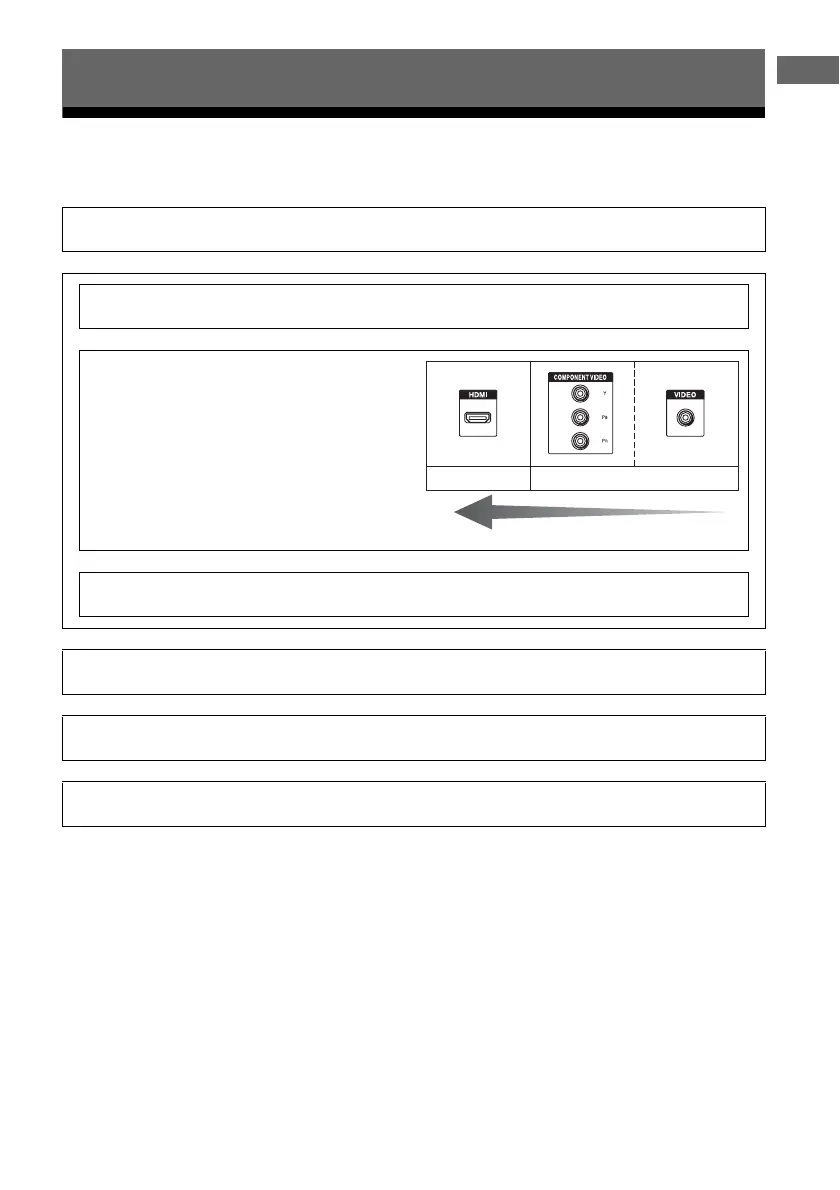
Connecting the video equipment
The image quality depends on the connecting jack. See the
illustration on the right. Select the connection according
to the jacks on your equipment.
The receiver has a video conversion function. For details,
see “Function for conversion of video signals” (page 22).
See “3: Connecting the video equipment” (page 31).
Connecting the audio equipment
See “4: Connecting the audio equipment” (page 38).
Preparing the receiver and the remote control
See “6: Preparing the receiver and the remote control” (page 45).
Setting the receiver
See “7: Setting up the receiver using the Easy Setup” (page 46).
Setting the audio output settings on the connected equipment
See “8: Setting up connected equipment” (page 48).
v
v
High quality image
Digital Analog
v
v
v
v















 To Next Page