38
GB
4: Connecting the audio equipment
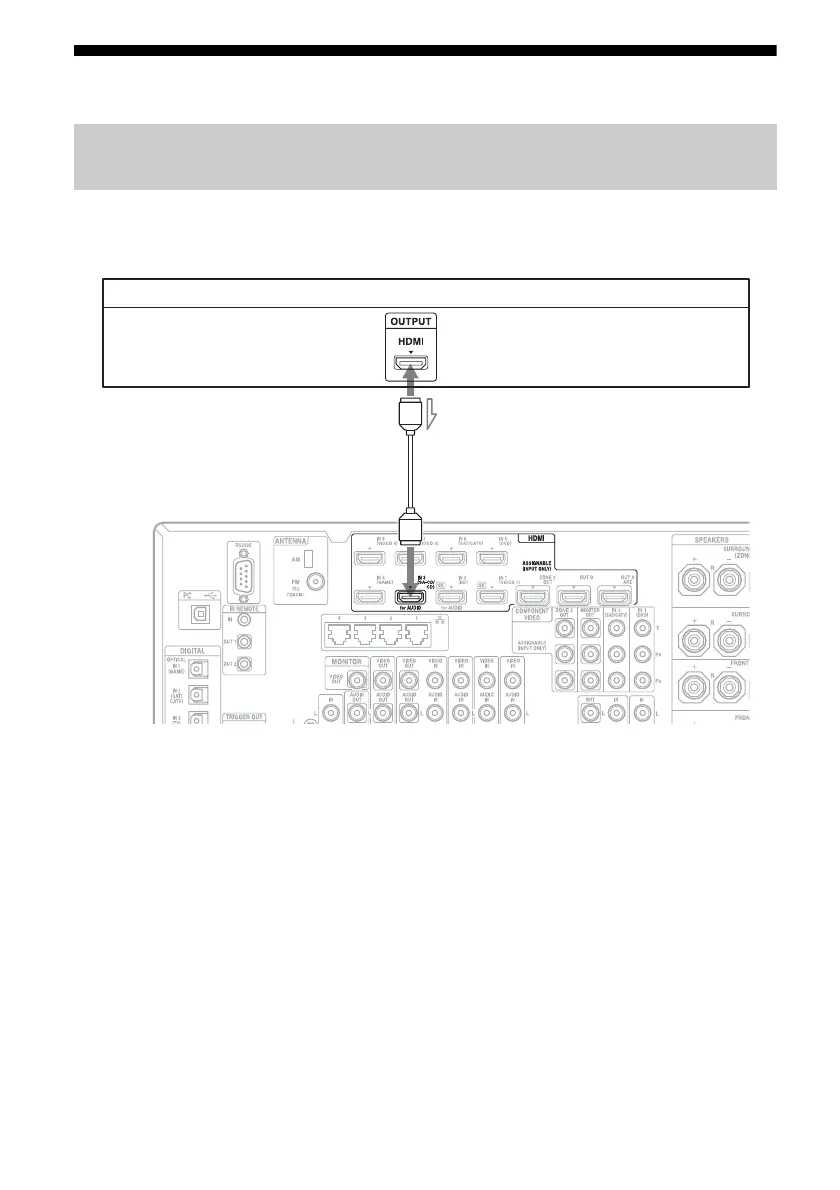
To connect equipment with HDMI jacks
If your equipment does not have an HDMI jack, see page 39.
A HDMI cable (not supplied)
We recommend that you use a Sony HDMI
cable.
* You can connect any equipment with HDMI
output jacks to the HDMI IN jacks of the receiver.
Connections required for listening content recorded on Super Audio
CDs or ordinary CDs
CD player, Super Audio CD player
A
Video/audio signals
*















 To Next Page