If you connect a sub woofer
This receiver will generate a low frequency
signal l\_r output to the sub woofer when there
is no LFE signal, which is a low-pass sound
effect output from a sub woofer to a 2 channel
signal.
Note
This hmction does not work when
ANAL()(} DIRECT is selected.
signals with a sampling frequency of more than
48 kHz is input.
Selectinga pre-
programmedsoundfield
You can take advantage of surround sound
simply by selecting one of the receiver's pre-
programmed sound fields. They bring the
exciting and powerfld sound of movie theaters
and concert halls into your home.
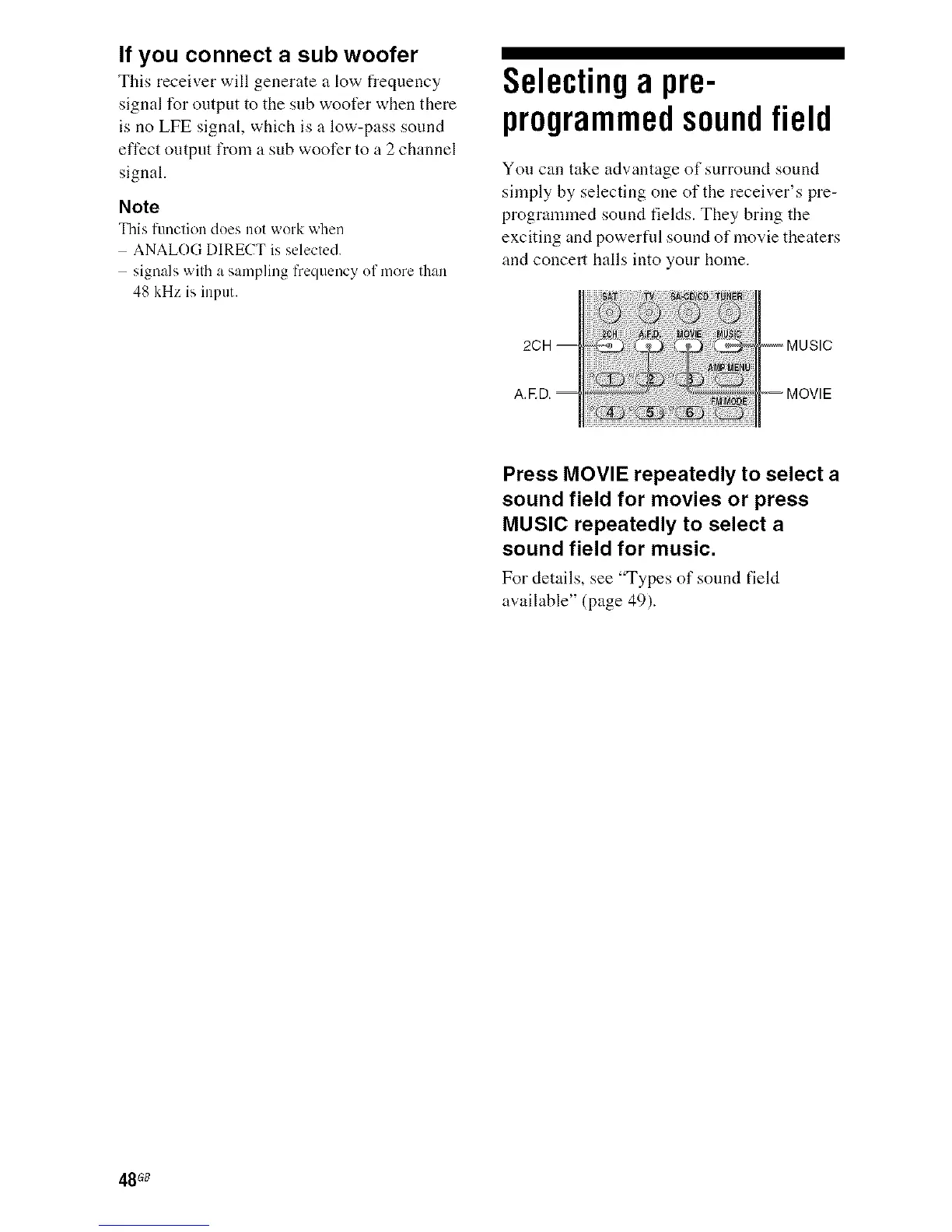
2CH
A.ED.
Press MOVIE repeatedly to select a
sound field for movies or press
MUSIC repeatedly to select a
sound field for music.
For details, see "Types of somMfield
available" (page 49).
48G8



 To Next Page