Listening/Watchinga component
!_!i_!_ 5
Notes
• The uperafion is described l_r a
Sony Super Audio CD player.
• Rel_:r to the operating
instructions supplied with the
Super Audio CD player ur CD
player.
Tip
You c_mselect the sound field to
suit the music. Reli:r to page 46
lk)rdetnils.
Recommended suund fields:
Classic_d: HALL
Jazz: JAZZ
Live concert: CONCERT
!i!i!i! 2
i))ii
ii,!i,_il
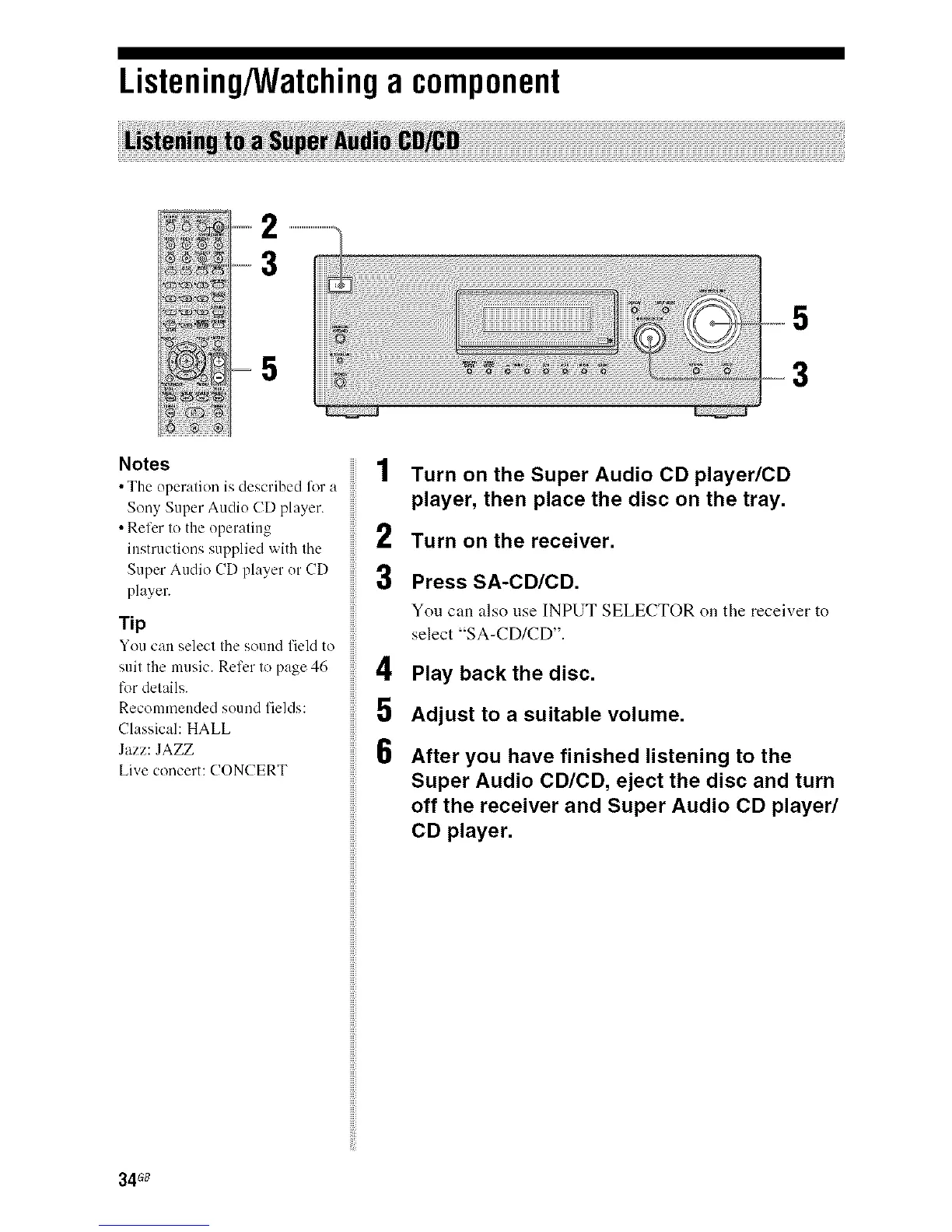
Turn on the Super Audio CD player/CD
player, then place the disc on the tray.
Turn on the receiver.
Press SA-CD/CD.
You can also use INPUT SELECTOR on the receiver to
select "S A-CD/CD".
Play back the disc.
Adjust to a suitable volume.
After you have finished listening to the
Super Audio CD/CD, eject the disc and turn
off the receiver and Super Audio CD player/
CD player.
34G_



 To Next Page