It may take about 1 hour for the update to be completed.
Do not turn the receiver off while the software is being updated. It may cause a malfunction.
You cannot restore the old version after updating the software.
[218] Adjusting Settings Using the menu on the display panel
Operating the receiver with the menu on the display
panel
You can operate this receiver using the display panel even if the TV is not connected to the
receiver.
To return to the previous display
Press or BACK.
To exit the menu
Press AMP MENU.
Note
Some parameters and settings may appear dimmed on the display panel. This means that they are
either unavailable or fixed and unchangeable.
[219] Adjusting Settings Using the menu on the display panel
Viewing information on the display panel
The display panel provides various information on the status of the receiver, such as the sound
field.
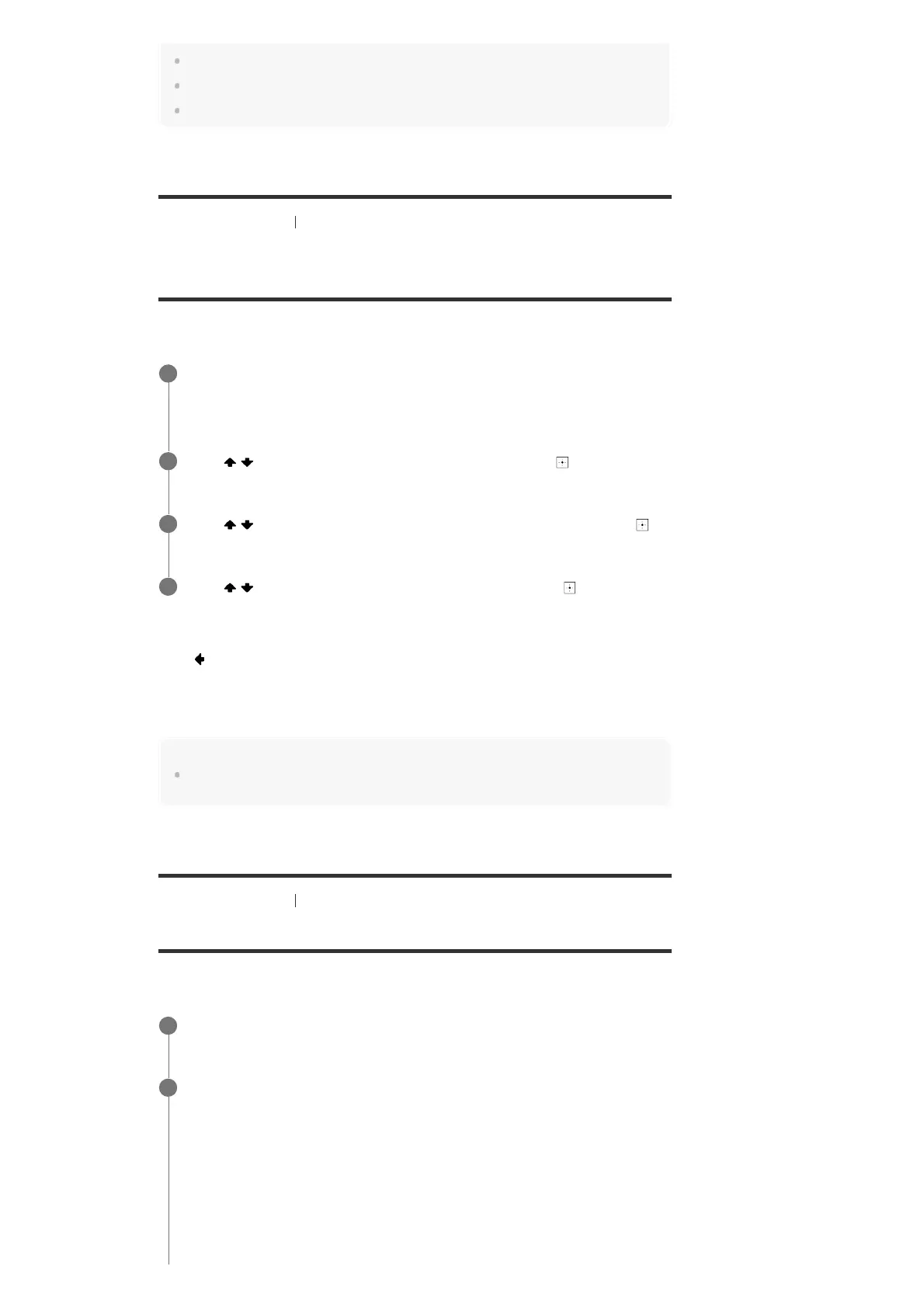
Press AMP MENU.
The menu is displayed on the display panel of the receiver.
1
Press
/ repeatedly to select the menu you want, then press .
2
Press / repeatedly to select the parameter you want to adjust, then press .
3
Press / repeatedly to select the setting you want, then press .
4
Select the input for which you want to check information.
1
Press DISPLAY MODE on the receiver repeatedly.
Each time you press DISPLAY MODE, the display will change cyclically as follows:
Index name of the input (*1) - Input you selected - Sound field currently applied (*2) -
Volume level - Stream information (*3)
When listening to FM radio
Preset station name (*1) - Frequency - Sound field currently applied (*2) - Volume level
When receiving RDS broadcasts (for European and Oceanian models only)
Program service name or preset station name (*1) - Frequency, band and preset number -
2



 To Next Page