[89] Using Network Features Using Google Cast™ to enjoy audio content from a smartphone
or tablet device
Using Google Cast™ to enjoy audio content from a
smartphone or tablet device
Google Cast allows you to select music content from the Google Cast-enabled app and play
back via this receiver.
Hint
You only need to perform steps 1 and 2 the first time. Perform the procedure from step 3 from the
next time.
Refer to the following for details of SongPal:
http://info.songpal.sony.net/help/
[90] Using Network Features Setting whether to control this receiver from a device on the
home network
Setting whether to control this receiver from a
controller device on the home network (Home
Network Access Control)
You can check a list of products compatible with a controller on the home network and set
whether or not each product is accessible via this receiver.
Select the device you want to delete and press OPTIONS.
3
Select [Remove] from the options menu.
4
Select [OK].
The selected device is deleted from the device list.
5
Select [Setup] - [Easy Setup] from the home menu.
After [Internet Settings] is completed, the screen for setting up Google Cast appears.
1
Follow the on-screen instructions to set up Google Cast.
2
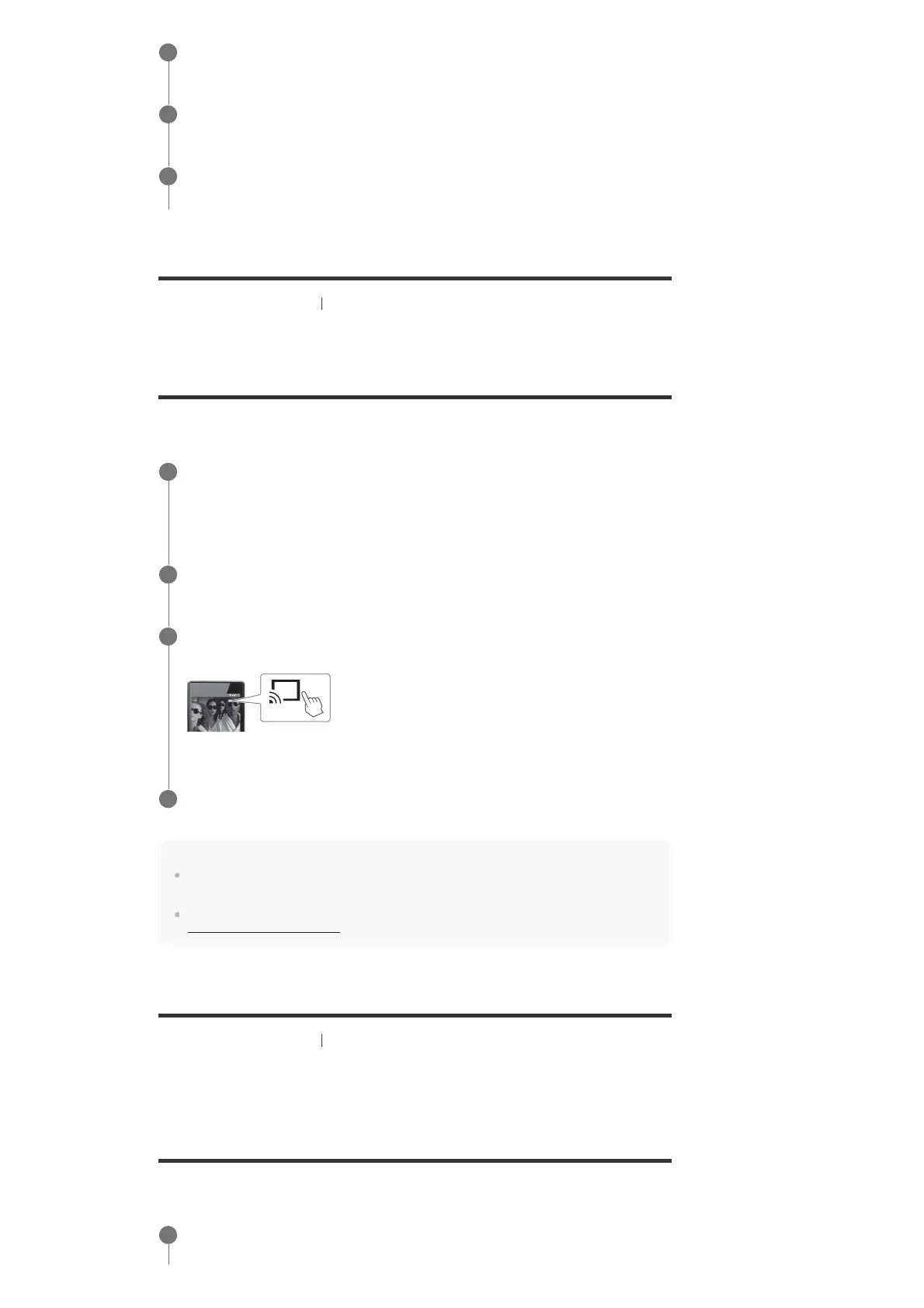
Launch the Google Cast-enabled app, then tap the Cast button to select [STR-
DN1070].
3
Select music to listen to on your Google Cast-enabled app.
4
Select [Setup] - [Network Settings] from the home menu.
1



 To Next Page