headphones closer to receiver if sound is intermittent.
Listening with BLUETOOTH headphones (Pairing operation)
See "Compatible BLUETOOTH version and profiles" for details on BLUETOOTH device
versions and profiles that can be paired.
[95] Using BLUETOOTH Features Enjoying audio content stored on a BLUETOOTH
device
Enjoying audio content stored on a BLUETOOTH device
with a one-touch connection (NFC)
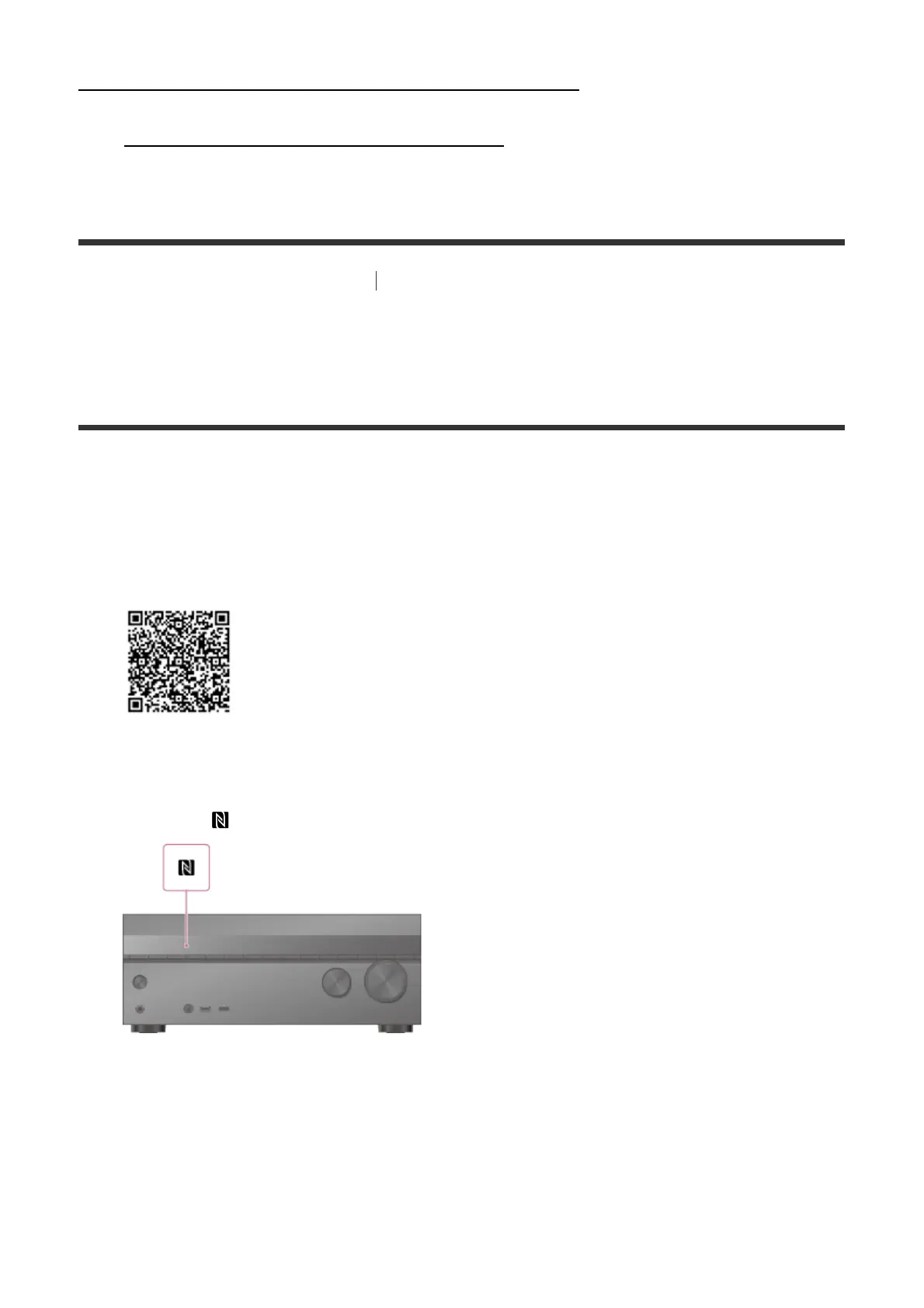
You can enjoy audio content on a BLUETOOTH device with a one-touch connection using
the NFC function.
1. If you are using an NFC-compatible BLUETOOTH device with Android OS 4.0 or
earlier, download the “NFC Easy Connect” application to your device.
You do not need to install the “NFC Easy Connect” application if you are using an NFC-
compatible BLUETOOTH device with Android OS 4.1 or later installed.
2. Touch the mark on the receiver with your BLUETOOTH device.
3. Follow the on-screen instructions displayed on the BLUETOOTH device, and complete
the procedure for BLUETOOTH connection.
4. Check that the connection is completed and [BT] lights up on the display panel.
5. Start playback on the BLUETOOTH device.
6. Adjust the volume.



 To Next Page