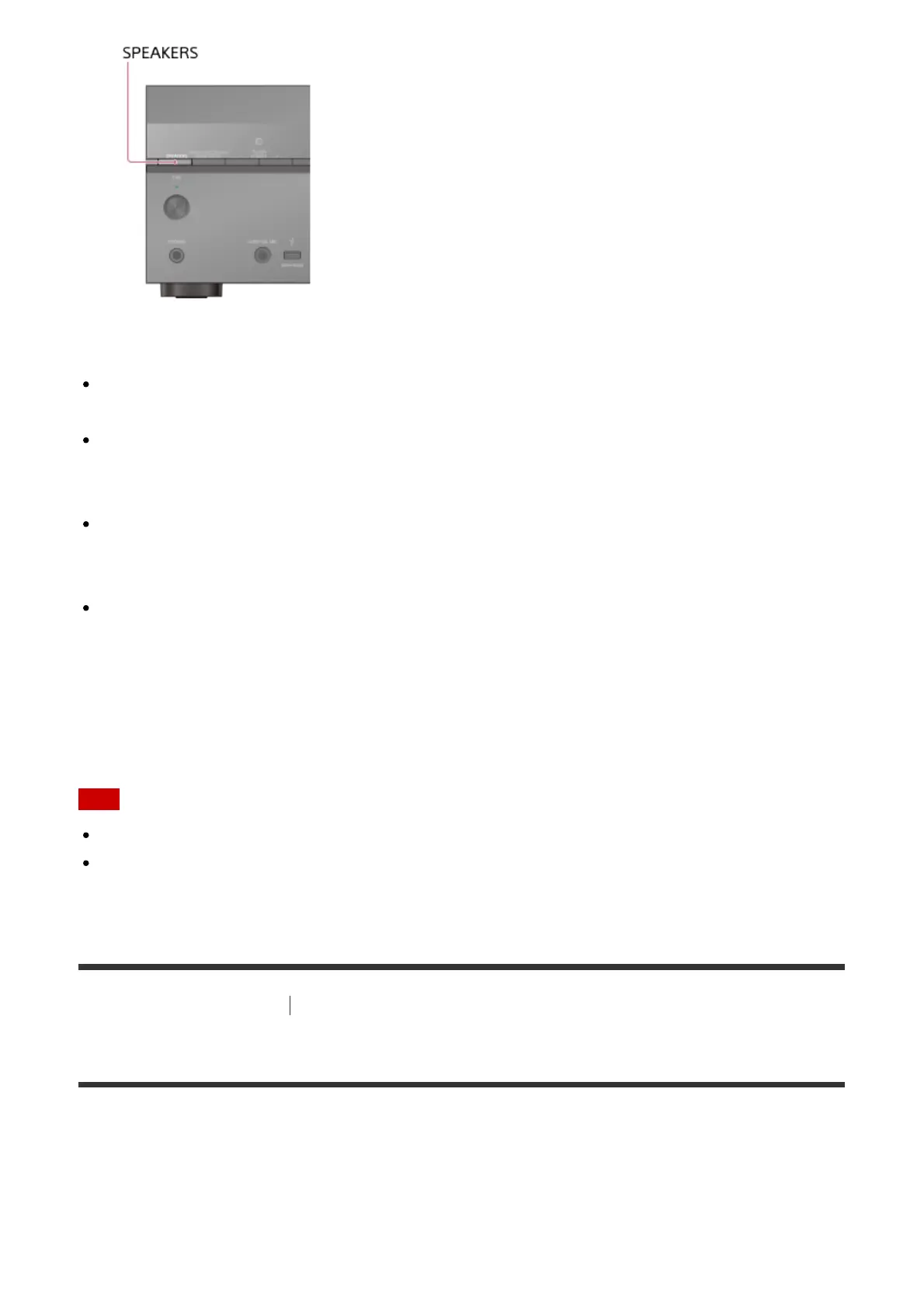
The indicators on the display panel shows which set of terminals are selected.
SP A :
Speakers connected to the SPEAKERS FRONT A terminals.
SP B (*):
Speakers connected to the SPEAKERS SURROUND BACK/BI-AMP/FRONT
HIGH/FRONT B terminals.
SP A+B (*):
Speakers connected to both the SPEAKERS FRONT A and SPEAKERS SURROUND
BACK/BI-AMP/FRONT HIGH/FRONT B terminals (parallel connection).
(None):
[SPK OFF] appears on the display panel. No audio signals are output from any speaker
terminals.
*
To select [SP B] or [SP A+B], set the assignment for the SPEAKERS SURROUND BACK/BI-
AMP/FRONT HIGH/FRONT B terminals to [Front B] by using [Sur Back SP Assign] in the Speaker
Settings menu.
Note
This setting is not available when headphones are connected.
When you press SPEAKERS on the receiver, the [Bluetooth Mode] changes to [Receiver]
automatically.
[139] Adjusting Settings
Speaker Settings
5. Performing Auto Calibration
You can perform automatic calibration from where you are sitting.
1. Select [Setup] - [Speaker Settings] from the home menu.
2. Select [Auto Calibration].



 To Next Page