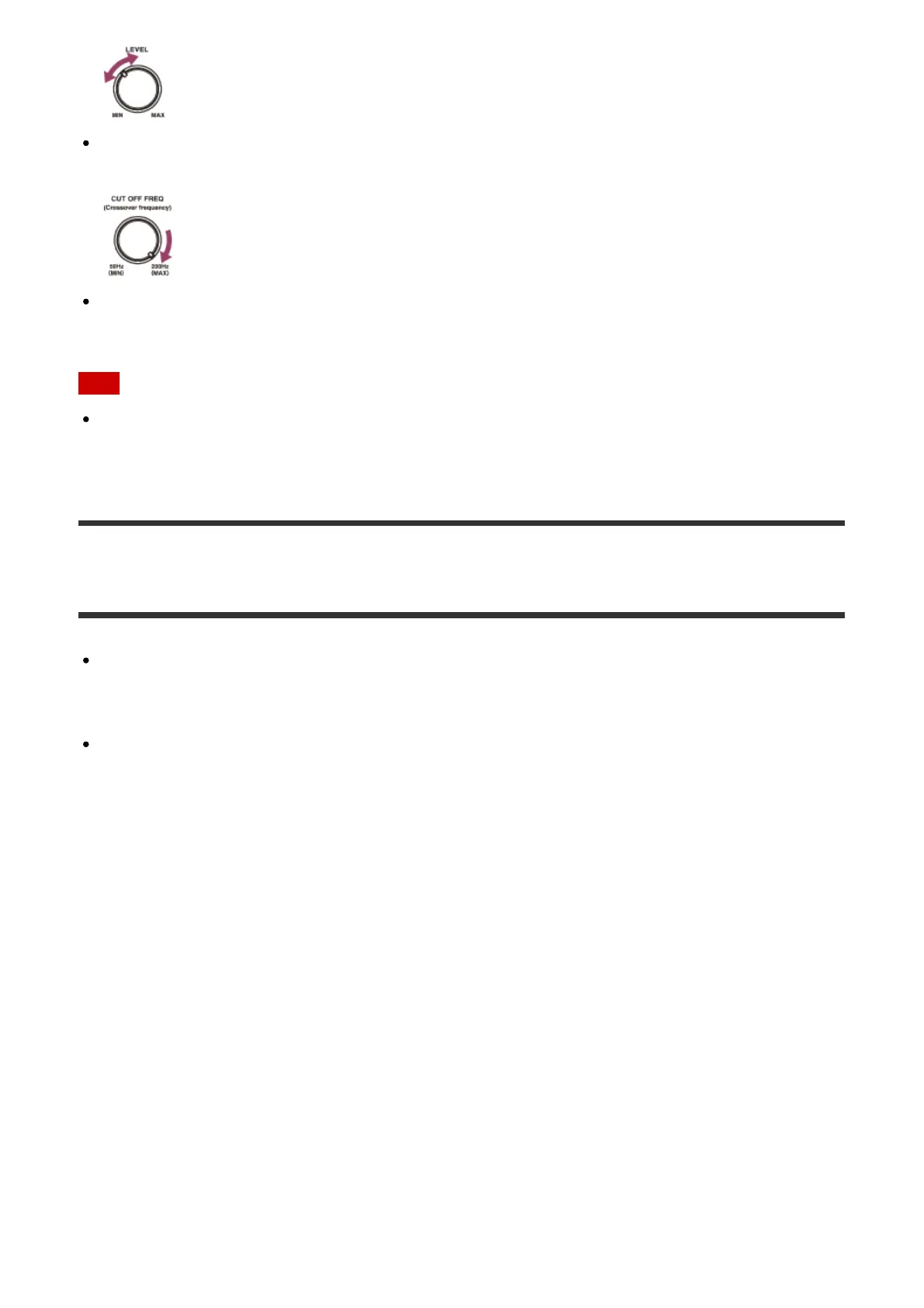
If you connect a subwoofer with a crossover frequency function, set the value to
maximum.
If you connect a subwoofer with an auto standby function, set it to off (deactivated). For
details, refer to the operating instructions of the subwoofer.
Note
Depending on the characteristics of the subwoofer you are using, the setup distance
value may be different from the actual position.
Auto Format Direct (A.F.D.)/2-channel sound mode
Auto Format Direct (A.F.D.) mode: This mode allows you to listen to higher-fidelity
sound and select the decoding mode for listening to a 2-channel stereo or monaural
sound as multi-channel sound.
2-channel sound mode: You can switch the output sound to 2-channel sound regardless
of the recording formats of the software you are using, the playback device connected, or
the sound field settings of the receiver.
A.F.D./2CH: Auto Format Direct (A.F.D.):
Presets the sound as it was recorded/encoded without adding any surround effects.
However, for USA and Canada models, this receiver will generate a low-frequency signal for
output to the subwoofer when there is no LFE signals.
Multi Stereo (MULTI ST.):
Outputs 2-channel left/right or monaural signals from all speakers. However, sound may not
be output from certain speakers depending on the speaker settings.
2ch Stereo (2CH ST.):
The receiver outputs the sound from the front left/right speakers only. There is no sound from
the subwoofer.
Standard 2-channel stereo sources completely bypass the sound field processing and multi-
channel surround formats are downmixed to 2-channels.
Analog Direct (A. DIRECT):



 To Next Page