20
Operation
Calibrating your System—cont.
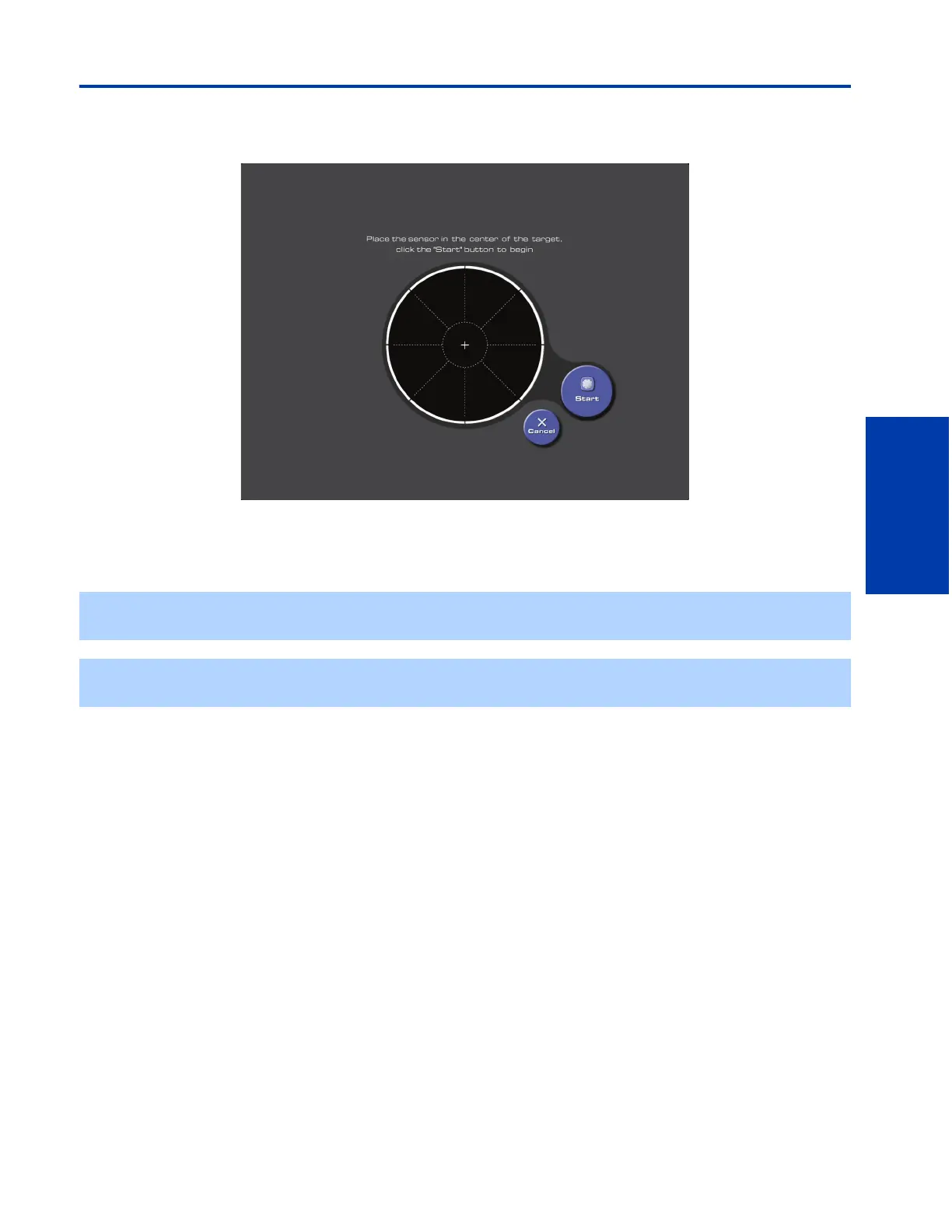
After you click on the “Calibrate” button, you will see this screen:
1 Center the sensor over the large circle shown in the display screen. Press firmly on the sensor until the suction cups have
been secured to the glass of the display's screen.
2 Click on the “Start” button to continue.
✍ Once started, the calibration process will take approximately ten minutes to complete. If you are simply updating your
display's calibration data, this process will take approximately 3 minutes
✍ Make sure that both the display and sensor are dry before calibration. Dampness on the sensor or on the display screen
may lead to inaccurate calibration.











 To Next Page