21
Operation
Calibrating your System—cont.
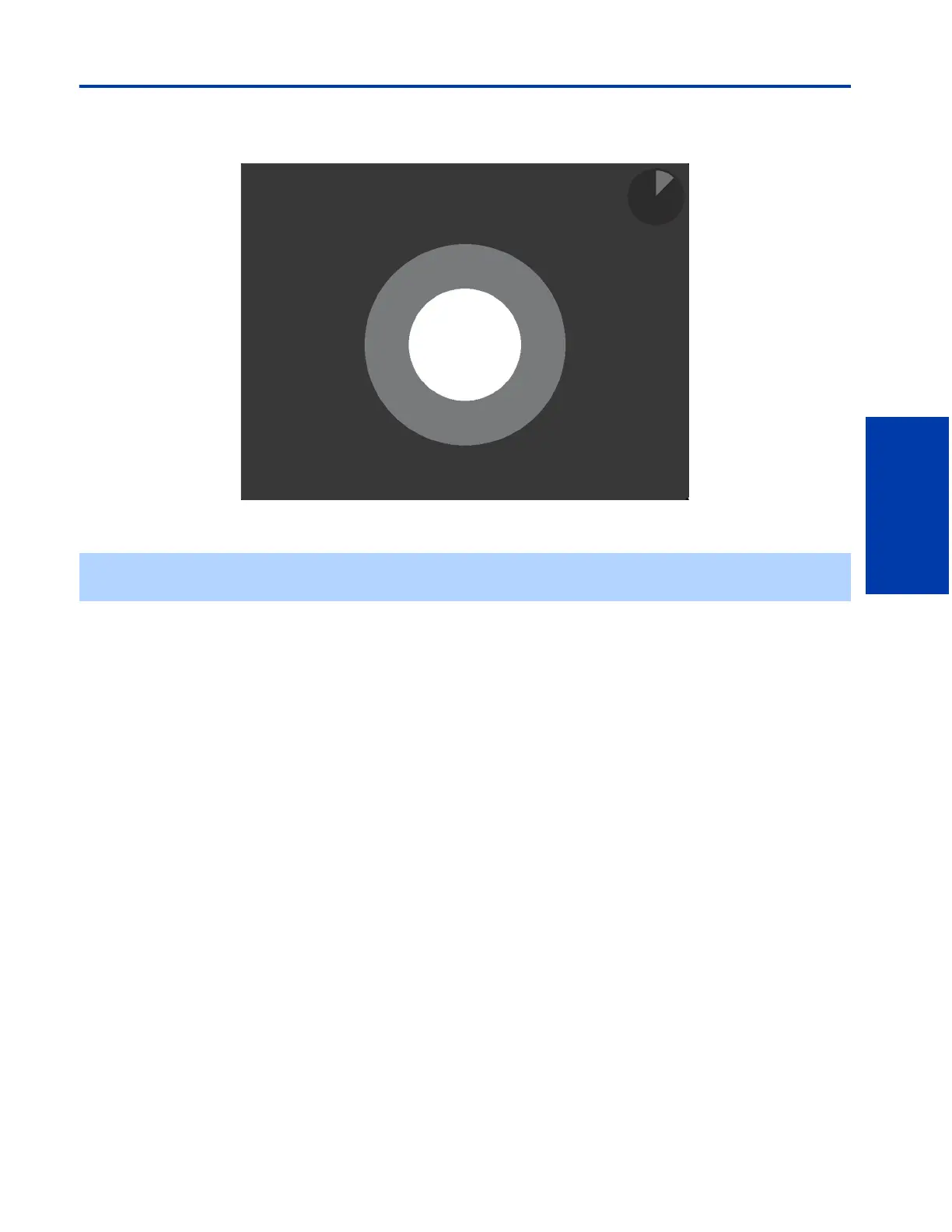
After you click on the “Start” button, you will see this screen:
The Color Reference Sensor should remain firmly attached to the circle in the center of the screen throughout the calibration
process.
✍ If the sensor should fall from the screen during the calibration process, a dialogue box will appear. Follow the prompts
given by the dialogue box, reattach the sensor to the screen, and restart calibration.











 To Next Page