— 28 —
KV-32WS4
3. Adjust the value according to the following advice.
Sub Color Adjustment
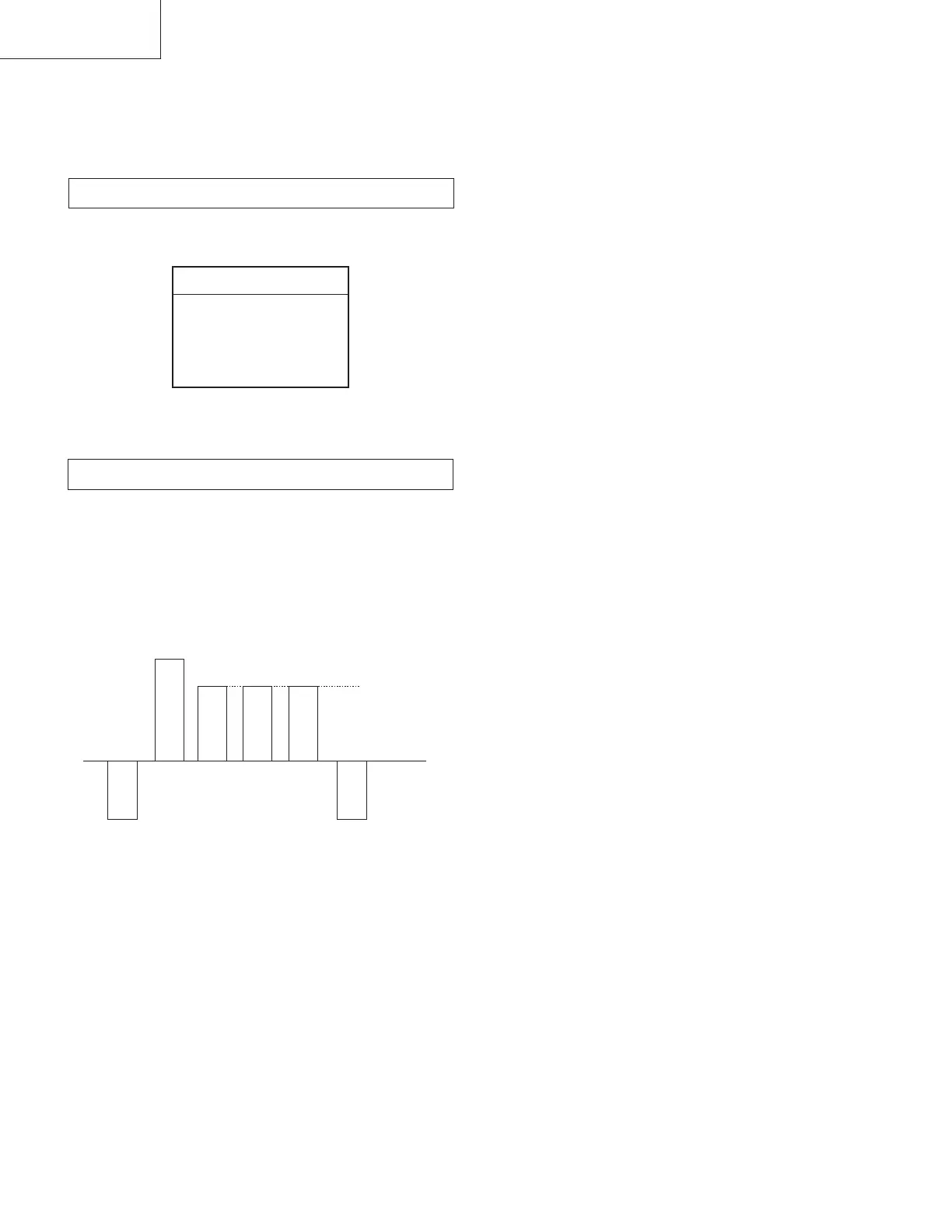
1. Input a PAL color bar signal.
2. Connect an oscilloscope to CN3703.
3. Enter into 'SERVICE MODE'.
4. Choose 'SUB ADJUST'.
5. Enter into Sub Color mode.
6. Adjust data so that the right sides of the waveforms are of equal
height.
4-2. VOLUME ELECTRICAL ADJUSTMENTS
Sub Brightness Adjustment
1. Enter Service Mode (Device Menu).
2. Select 'SUB ADJUST MENU'.
tnemtsujdabuStnemtsujdabuS
tnemtsujdabuS
tnemtsujdabuStnemtsujdabuS
erutciPbuS
roloCbuS
ssenthgirBbuS
retneC3/4
retneC-HPAP
tesffO-EWHPAP
SAME LEVEL







 To Next Page