Using the Menu / Adjustment Using the Menus
27
Press the ENTER/SELECT button to confirm the
number, then restore the original screen.
When changing the setting:
Press the M/+ or m/– button to change the setting.
Press the ENTER/SELECT button to confirm the
setting.
Note
An item displayed in blue cannot be accessed. You can
access the item if it is displayed in white.
To clear the menu
Press the MENU/EXIT button.
The menu disappears automatically if a button is not
pressed within one minute.
About retaining the settings
The settings are automatically stored in the monitor
memory.
To reset items being adjusted
Press the RESET button while the new menu item is
being selected and adjusted. Any changes to this new
item setting is ignored and the item is reset to the
previous setting.
Adjustment Using the
Menus
Items
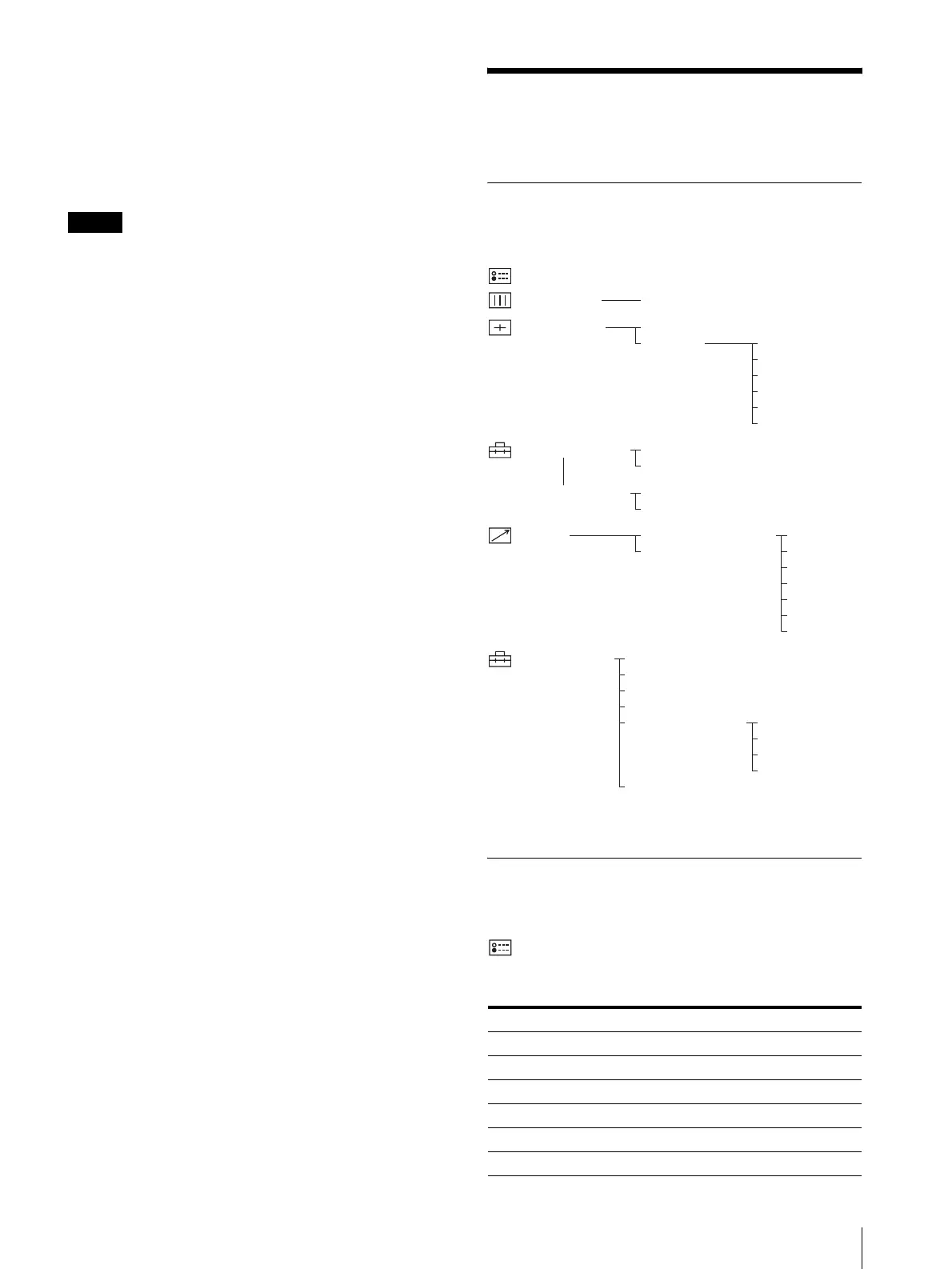
The screen menu of this monitor consists of the
following items.
1) The items on the STATUS menu indicate the current settings.
2)For details on how to access the USER SERVICE menu, see page 29.
Adjusting and Changing the
Settings
STATUS menu
The STATUS menu is used to display the current status
of the monitor.
Submenu Setting
FORMAT Display only
COLOR TEMP Display only
COMP LEVEL Display only
NTSC SETUP Display only
RGB/COMP SEL Display only
OPTION Display only
STATUS
1)
USER PRESET
PRESET
ADJUST...
CONTRAST...
BRIGHT...
CHROMA...
PHASE...
APERTURE...
VOLUME...
USER CONFIG(1/2)
RGB SYSTEM
OPT RGB SYST
USER CONFIG(2/2)
LANGUAGE
AUTO CHROMA/PHASE
PARALLEL REMOTE...
SERIAL REMOTE
REMOTE
1 PIN
2 PIN
3 PIN
4 PIN
6 PIN
7 PIN
8 PIN
COLOR TEMP
COLOR TEMP
USER SERVICE
2)
FORMAT DISP
COMP LEVEL
NTSC SETUP
DEGAUSS DELAY
USER COLOR TEMP
SUB CONTROL
MANUAL ADJ
ADJUST GAIN...
ADJUST BIAS...
COPY FROM




 To Next Page