Adjustment Using the Menus
28
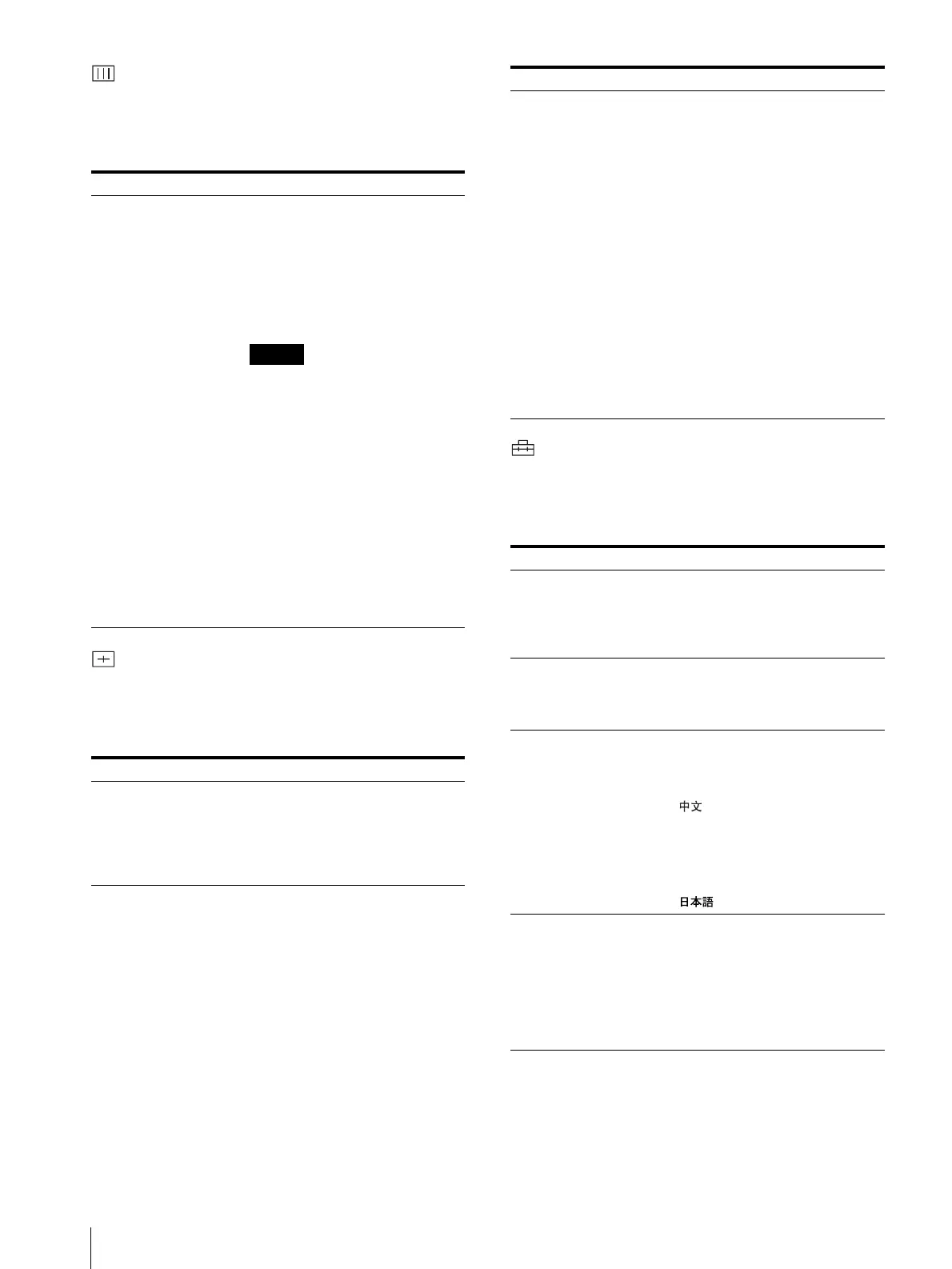
COLOR TEMP menu
The COLOR TEMP menu is used for adjusting the
picture white balance.
You need to use a measurement instrument to adjust the
white balance.
USER PRESET menu
The USER PRESET menu is used for adjusting the
picture.
Items that cannot be adjusted depending on the input
signal are displayed in blue.
USER CONFIG (1/2, 2/2) menu
The USER CONFIG menu is used to select a language for
the menus and the on-screen messages or to determine the
type of video signal acceptable on the RGB/
COMPONENT connectors.
Submenu Setting
COLOR TEMP Select the color temperature from
among D65, D56, D93 and USER
setting. Selecting a color
temperature with USER allows
adjustment of the color
temperature. (Adjustment of the
color temperature requires the use
of measurement instrument.)
Notes
• A color temperature set with
USER can be set to any color
temperature within a range of
5000K to 10000K.
• A setting of D65 is appropriate
when using the monitor with an
endoscope.
• A setting of D56 is appropriate
when using the monitor with a
biological microscope.
• Adjustment of a setting made
with USER can be done on the
USER COLOR TEMP menu of
the USER SERVICE menu.
For further details, see USER
SERVICE menu on page 29.
Submenu Setting
PRESET When this is set to ON, all of the
controls on the control panel are
disabled (the REMOTE indicator
lights), and the preset values in the
monitor’s internal memory (the
factory settings) are activated.
ADJUST... • CONTRAST...: Adjusts the
picture contrast.
• BRIGHT...: Adjusts the picture
brightness.
• CHROMA...: Adjusts the color
intensity. The higher the setting,
the greater the intensity.
The lower the setting, the lower
the intensity.
• PHASE...: Adjusts color tones.
The higher the setting, the more
greenish the picture becomes.
The lower the setting, the more
purplish the picture becomes.
• APERTURE...: Adjusts the
picture sharpness. The higher
the setting, the sharper the
picture.
• VOLUME...: Adjusts the audio
level.
Submenu Setting
RGB SYSTEM (1/2) When a signal input via the RGB/
COMPONENT connector is being
monitored, based on the signal
being input, select RGB/INT, RGB/
EXT, COMP/INT, or COMP/EXT.
OPT RGB SYST (1/2) The display differs depending on
the option board installed. For
further details, refer to the option
settings.
LANGUAGE (2/2) The language to be used for display
of menu items and messages can be
selected from among the following
seven options.
[ ]: Chinese
[ENGLISH]: English
[DEUTSCH]: German
[FRANÇAIS]: French
[ITALIANO]: Italian
[ESPAÑOL]: Spanish
[ ]: Japanese
AUTO CHROMA/
PHASE (2/2)
Adjusts color intensity (CHROMA)
and color tones (PHASE).
• ON: When set to ON,
CHROMA and PHASE are set
to automatic adjustment values.
• OFF: When set to OFF,
CHROMA and PHASE are set
to the factory settings.
Submenu Setting




 To Next Page