12 Menu Adjustment
Sony KV-HW21N63 Group A12 (GB)_4-094-461-11 (1)
x Enjoying stereo or bilingual
programs
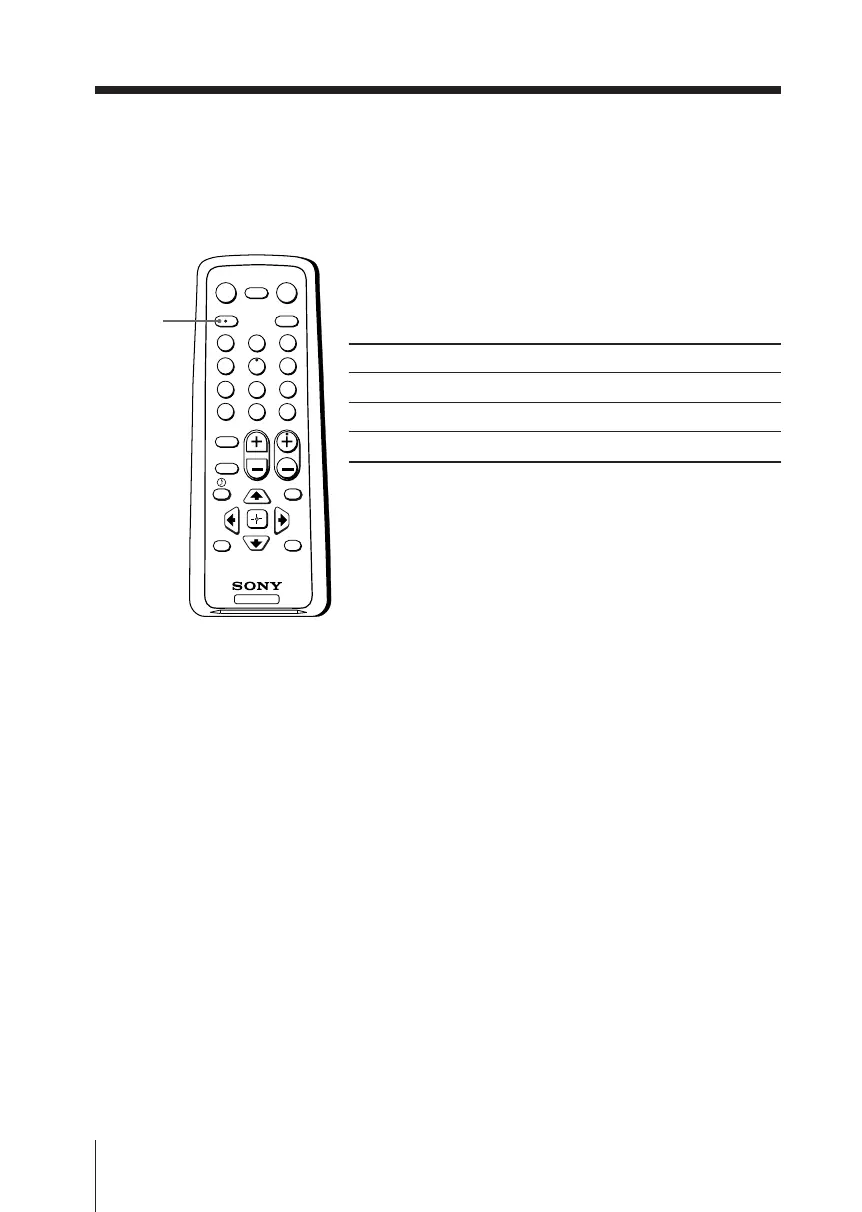
You can enjoy stereo sound or bilingual programs of MTS stereo system by using
MTS/SAP button.
Select stereo or bilingual programs
Press MTS/SAP until you receive the sound you
want.
Select To listen to
“Stereo” stereo broadcast sound.
“Auto SAP” SAP broadcast sound.
“Mono” monaural sound.
TV
1
2
3
4
6
7
8
9
0
5
MENU
MUTING
DISPLAY
POWER
TV/VIDEOMTS/SAP
PICTURE
MODE
SOUND
MODE
SLEEP
RESET
CH
VOL
JUMP ENT
MTS/SAP
Notes
• When select “Auto SAP”, non-SAP program sound will be same as “Stereo” mode sound.
• If the stereo signal is very weak, the stereo broadcast sound may become noisy. To reduce the
noise select “Mono”.
Advanced Operations
01GB05AVD-PHI.p65 29/08/03, 3:33 PM12






 To Next Page